



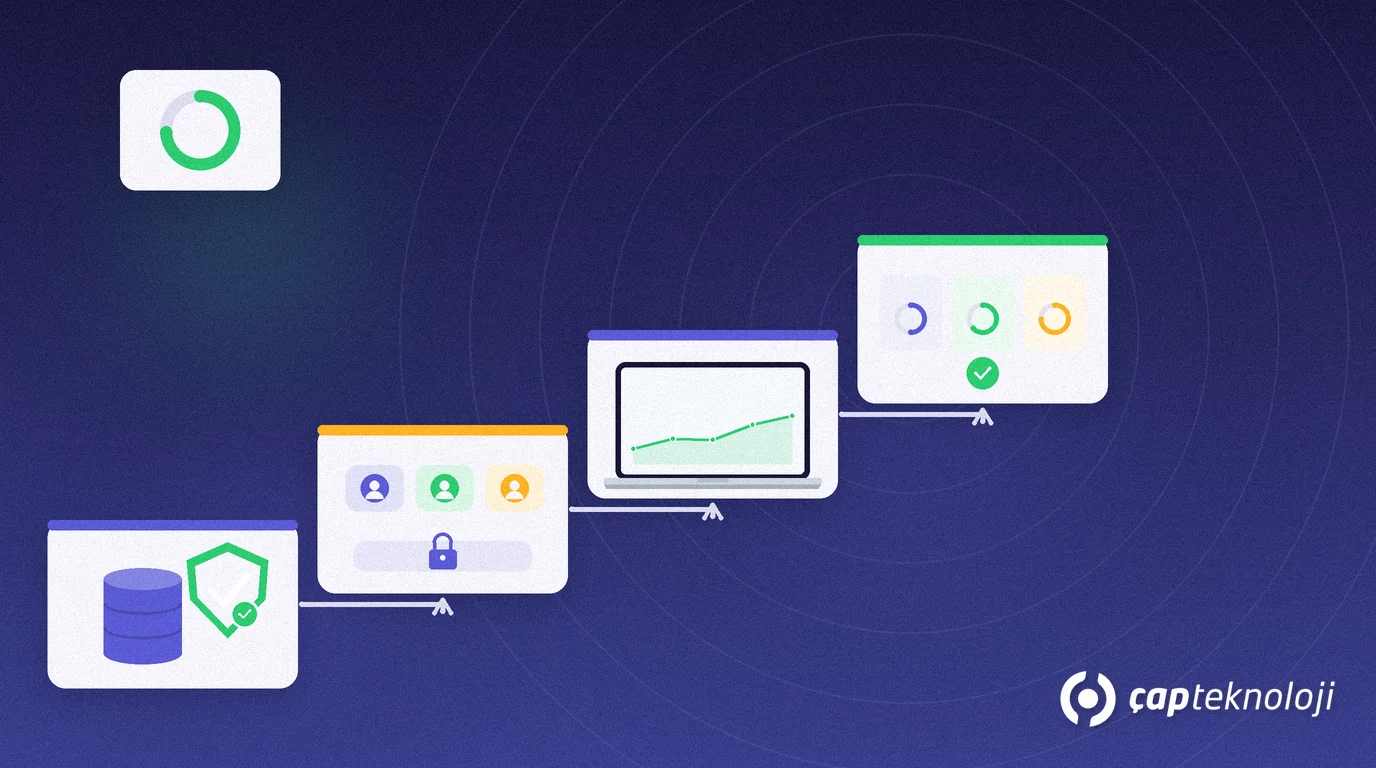
In short: Self-service BI lets business users build their own reports on approved datasets without opening an IT ticket for every chart. Uncontrolled Excel copies and shadow metrics create risk; governed self-service keeps shared definitions, roles and publish rules so you gain speed without losing consistency. For SMEs, the right model stops reporting demand from clogging the IT queue.
If the sales manager pulls weekly revenue from one spreadsheet and finance pulls stock value from another, the company ends up with two “correct” numbers. Self-service BI exists to ease that tension: the business explores, IT protects the data model and security boundaries.
This article explains what self-service BI means, the difference between governed and free-for-all use, the steps for a safe setup and the mistakes SMEs make most often.
What self-service BI is — and is not
Self-service BI means business users filter, drag and combine measures on prepared, understandable datasets. It does not mean everyone connecting freely to source systems or inventing private metrics.
- Governed self-service: endorsed datasets, shared measure definitions, role-based access and controlled publishing.
- Ungoverned / shadow BI: personal files, copied queries, unclear KPIs and unreviewed sharing.
Microsoft’s Power BI implementation planning for the Power BI workspaces guidance draws the same line: business speed and corporate governance must be designed together. At ÇAP we scale that frame to SMEs in our business intelligence consulting work.
Why it matters for SMEs
Small IT teams cannot raise a ticket for every new column or filter. Escaping to Excel also undermines automated reporting built through reporting consulting. Self-service BI frees IT from every chart request while leaving one trusted source of truth.
In practice sales, operations and finance can build different reports in the same workspace while measure definitions (net revenue, returns-adjusted revenue) stay central. That is the KPI discipline from a Power BI dashboard programme spreading into daily use.
How do you set up governed self-service?
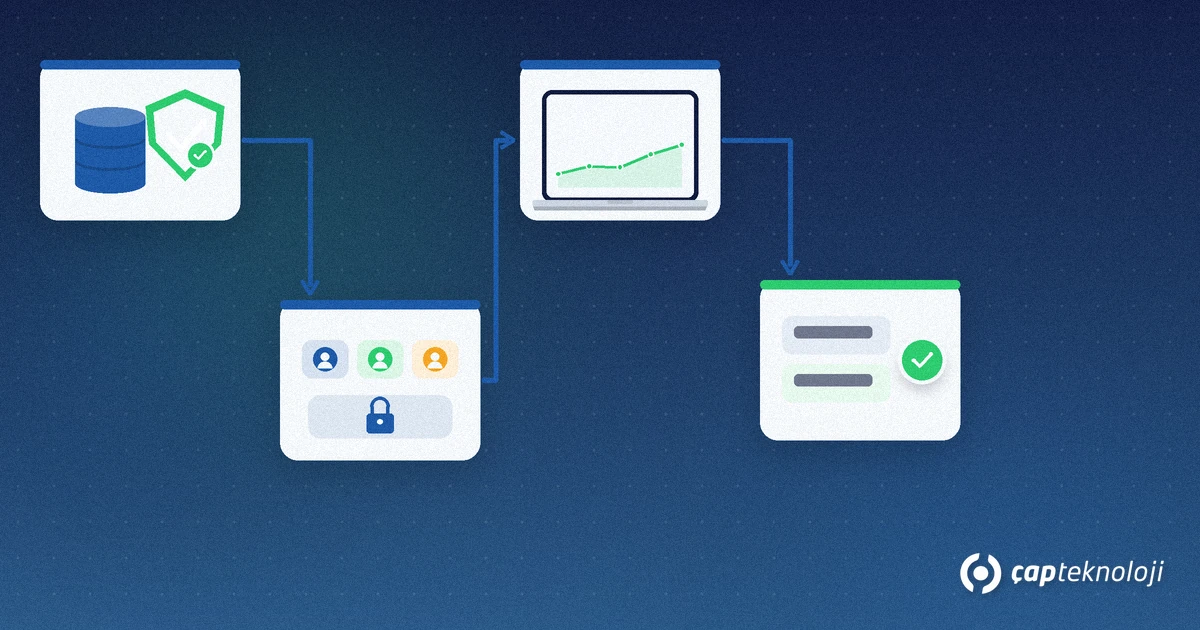
1. Clarify sources and owners
Which systems (ERP, CRM, e-commerce, accounting) feed reporting? Who owns the data? Keep source access narrow; business users should connect to a prepared model, not raw tables.
2. Build an endorsed / certified dataset
Put shared dimensions (customer, product, date) and measures in one model. An endorsed label helps users pick the right model. Write a short review rule for model changes.
3. Workspaces, roles and sharing
Open workspaces by department or process. Separate Admin/Member/Viewer-style roles. Limit PDF/Excel export deliberately; otherwise self-service slides back into shadow spreadsheets.
4. Publish gate
Draft in a personal space; before promoting to a shared dashboard, check measure names and filters. Require a second pair of eyes (IT or data owner) for critical management boards.
5. Training and support rhythm
A two-hour “how to connect and publish” session removes most tickets. Keep a short internal guide and, if useful, a request channel via a service catalogue.
Common mistakes
- Giving every user a source connection: performance and security risk; keep the model shared.
- Scattered measure names: if “Revenue”, “Sales” and “Net sales” mean different things, you have no governance.
- Forgetting refresh and backup: self-service models still need scheduled refresh and backups; do not skip SQL backup discipline for the data layer.
- Handing out licences without training: the tool arrives, shadow metrics multiply.
Governed self-service is not a one-off project; it is a discipline that updates the measure glossary, onboard new sources into the model and retires shadow files. Listing which reports still live in Excel after the first three months makes progress visible. Log refresh failures and access requests in the same period; repeats point to model or training gaps.
Do not measure success only by report count. Teams that adopt a shared measure, shorter close cycles and fewer IT tickets are better signals. As self-service BI matures, business users focus on exploration while IT keeps shipping trustworthy data products.
Checklist before you start self-service BI
- Is there an endorsed dataset and a measure glossary?
- Are workspace roles written down?
- Is the publish / approval rule clear?
- Is a short training planned for business users?
- Who owns refresh, access and backups?
Self-service BI builds a shared language, not only fewer tickets. You can shape scope and roadmap with our BI consulting service or get in touch.
Frequently Asked Questions
Is self-service BI the same as reporting consulting?
No. In the classic model IT or a consultant builds most reports. In self-service BI the business user builds on an approved model while IT protects the model and rules.
Do you need Power BI for self-service BI?
No. Self-service is an operating model, not a product name. Power BI is common; what matters is endorsed datasets, roles and publish discipline.
Is giving everyone source-system access self-service?
No. That is usually shadow BI and a security risk. Self-service means controlled access to a prepared model.
Do small teams still need workspaces?
Yes. Role-separated workspaces cut accidental company-wide sharing better than one chaotic space.