



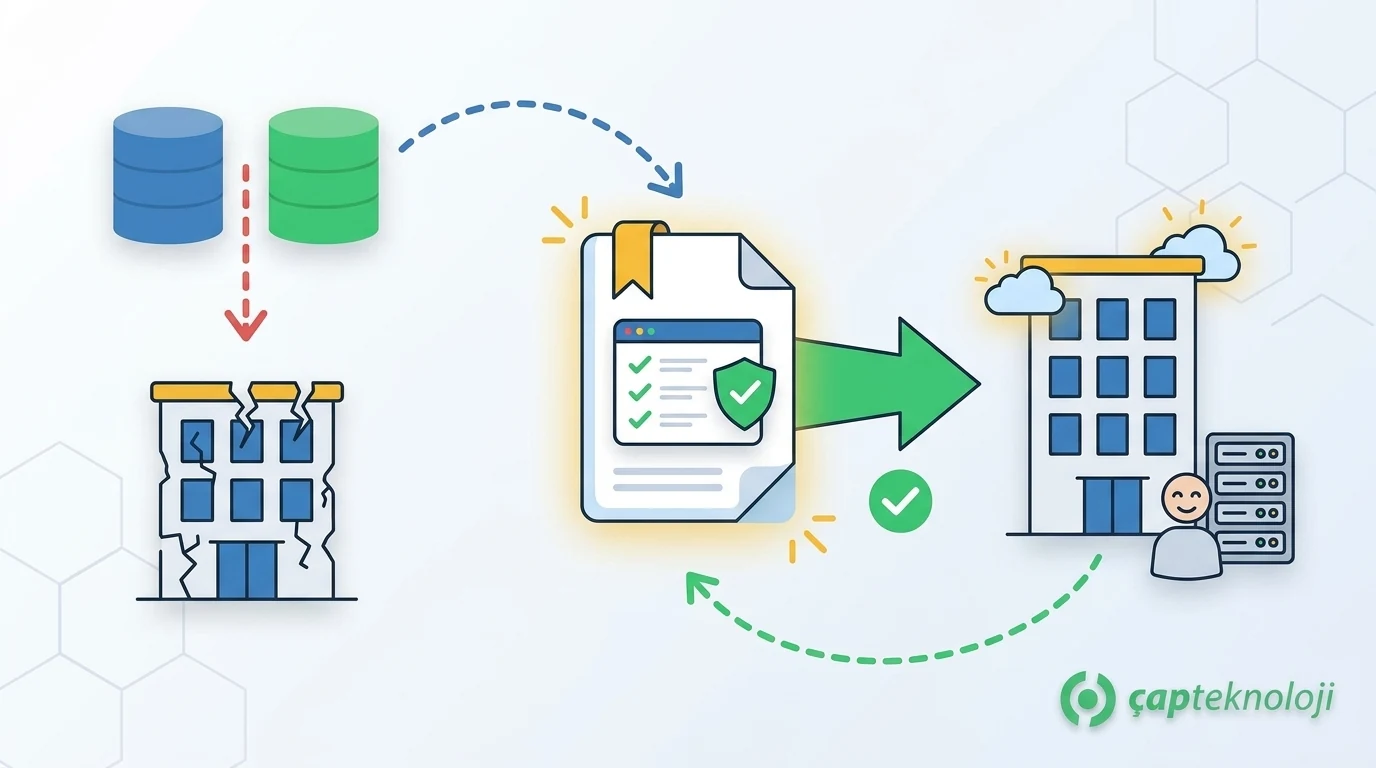
In short: A disaster recovery plan is a written document that defines in which order, how quickly and under whose responsibility critical systems will be brought back online after events such as server failure, ransomware, fire or a prolonged outage. A good plan is measured not by having backups, but by having tested that you can restore from them within the agreed time.
Many businesses feel prepared because they take regular backups. In a crisis, however, the real questions are: Which system comes back first? Where is the backup restored from, by whom and how long does it take? What do we tell customers and employees? This article explains step by step how SMEs can prepare a plan that answers these questions in advance.
The Difference Between Disaster Recovery and Business Continuity
The two terms are often confused. A business continuity plan covers how the whole business keeps operating during a disruption (people, premises, supply, communication). A disaster recovery plan is the IT part of it; it defines how servers, applications and data are restored. Small businesses can combine both in one document, but the IT steps must always be written out in detail.
Step 1: Identify Critical Systems and Business Impact
The plan starts with understanding how much damage each system’s downtime would cause. This is called a business impact analysis. For each system, answer these questions:
- Which processes are affected if this system stops (orders, shipping, invoicing, production, accounting)?
- How many hours of downtime can be tolerated, and at what point are customers or legal obligations affected?
- Which other systems does it depend on (database, Active Directory, internet connection, licence server)?
- Who owns the system and who is technically responsible for it?
At the end of this exercise, systems are grouped by priority. ERP, databases and email usually sit in the top group, while file archives or test environments rank lower.
Step 2: Define RTO and RPO Targets
Two targets should be set for each critical system:
- RTO (Recovery Time Objective): The maximum time within which the system must be running again after an outage.
- RPO (Recovery Point Objective): The maximum amount of data loss that is acceptable. If the RPO is one hour, you need at least hourly backups or replicas.
The table below is only an example; the values should be set according to each business’s own impact analysis.
| System | Example RTO | Example RPO | Reason |
|---|---|---|---|
| ERP and database | 4 hours | 1 hour | Orders, shipping and invoicing stop |
| Business email | 8 hours | 4 hours | Customer and supplier communication suffers |
| File server | 24 hours | 24 hours | Work continues, some documents are delayed |
| Corporate website | 24 hours | 1 week | Content changes rarely |
Shorter RTO and RPO targets mean higher costs. That is why the targets are a decision made together with management, not by the IT team alone.
Step 3: Build a Backup Strategy Around the Targets
Your backups must meet the RPO you have defined. The widely accepted approach is the 3-2-1 rule: keep at least three copies of the data, on two different types of media, with one copy in a different location.
- Against ransomware: At least one copy should be disconnected from the network (offline) or immutable. Backups on the same network and accessible with the same credentials can be encrypted along with everything else.
- For databases: Use the database’s own backup method rather than file copies, and shorten the RPO with transaction log backups. We cover the details in our article on SQL database backup.
- For configurations: Firewall, switch, virtualisation and application settings must be backed up too; data backups alone are not enough to rebuild a system.
- For retention: Keep copies going back several days and weeks so you can return to a clean backup if corruption or an attack is discovered late.
Step 4: Write Recovery Scenarios and Steps
The plan should contain separate scenarios for likely events, because each one is recovered differently:
Hardware or server failure
Document the steps for rebuilding the system on spare hardware or in a virtualisation environment, restoring the backup and starting dependent systems in the right order.
Ransomware attack
First, affected systems are disconnected from the network to stop the spread. Before restoring, identify the entry point of the attack and the date of the last clean backup; otherwise the same weakness can be exploited again. For preparation on the server and network side, see our server and network infrastructure checklist.
Loss of premises or connectivity
Define where and with which tools staff will work if the office or server room cannot be accessed, and how critical systems will run from another location.
Every scenario should clearly state the steps, the responsible person, the access details required and the expected duration. Never assume that the person who wrote the plan will be available during the crisis.
Step 5: Define Roles, Access and Communication
- It should be written down who declares a crisis and who makes decisions.
- Contact details for the backup administrator, system administrator and external support providers must be kept up to date.
- Administrator passwords, licence keys and backup access details should be stored securely but accessibly.
- Decide in advance through which channel and when employees, customers and suppliers will be informed.
- For incidents involving personal data, the plan should include legal notification obligations and deadlines.
Step 6: Test the Plan and Keep It Up to Date
An untested plan is an assumption tried for the first time during a crisis. Tests can be planned by level of difficulty:
- Tabletop exercise: The team walks through the plan step by step for a scenario and notes the gaps.
- Partial restore test: A database or server is restored from backup into a separate environment, and the actual time is measured against the RTO.
- Full failover test: Critical systems are switched to the standby environment at a planned time and business processes are run there.
Review the plan at least once a year and after every major infrastructure change (new ERP, new server, cloud migration). A system that is added but not included in the plan will also be forgotten in a crisis.
Common Mistakes in Disaster Recovery Planning
- Mistaking backup for recovery: Backups are known to run, but a restore has never been tried.
- Forgetting dependencies: The application is restored but will not start without authentication, DNS or the licence server.
- Relying on one person: The steps exist only in one employee’s head, and that person cannot be reached.
- Writing the plan once and forgetting it: The document describes infrastructure from years ago.
- Keeping backups on the same network: Ransomware encrypts the backups together with the live systems.
Disaster Recovery Plan Checklist
- Have critical systems and their priorities been identified?
- Has an RTO and RPO been agreed with management for each critical system?
- Do backups follow the 3-2-1 rule, with at least one copy offline or immutable?
- Are configurations and access details backed up as well?
- Are steps, owners and durations written down for each scenario?
- Are the contact list and notification steps up to date?
- When was the last restore test, and did the actual time meet the target?
- Has the plan been updated since the last infrastructure change?
A disaster recovery plan is one of the most tangible outcomes of a thorough technology consulting engagement. If you would like to review your infrastructure, backup routine and recovery times together, take a look at our server and network consulting service or get in touch with us.
Frequently Asked Questions
What is a disaster recovery plan?
A disaster recovery plan is a written document that defines in which order, how quickly and under whose responsibility critical IT systems are brought back after events such as server failure, ransomware or a prolonged outage. It covers backups, recovery steps, roles and the testing schedule.
What is the difference between RTO and RPO?
RTO is the maximum time within which a system must be running again after an outage; RPO is the maximum amount of data loss that is acceptable. For example, if the RPO is one hour, the system needs at least hourly backups or replicas.
Are regular backups enough for disaster recovery?
No. Backups are only one part of recovery. If you do not know which system comes back first, how dependencies are rebuilt, who does what and how long a restore actually takes, an outage can last far longer than planned even though backups exist.
How often should a disaster recovery plan be tested?
The plan should be tested at least once a year and reviewed after every major infrastructure change. For critical databases, restore tests from backup are recommended more often, for example every three months.
Does a small business need a disaster recovery plan?
Yes. Small businesses usually have fewer resources to absorb an outage. The plan does not need to be a large document; even a short one listing critical systems, the backup routine, recovery steps and contacts saves a great deal of time in a crisis.