



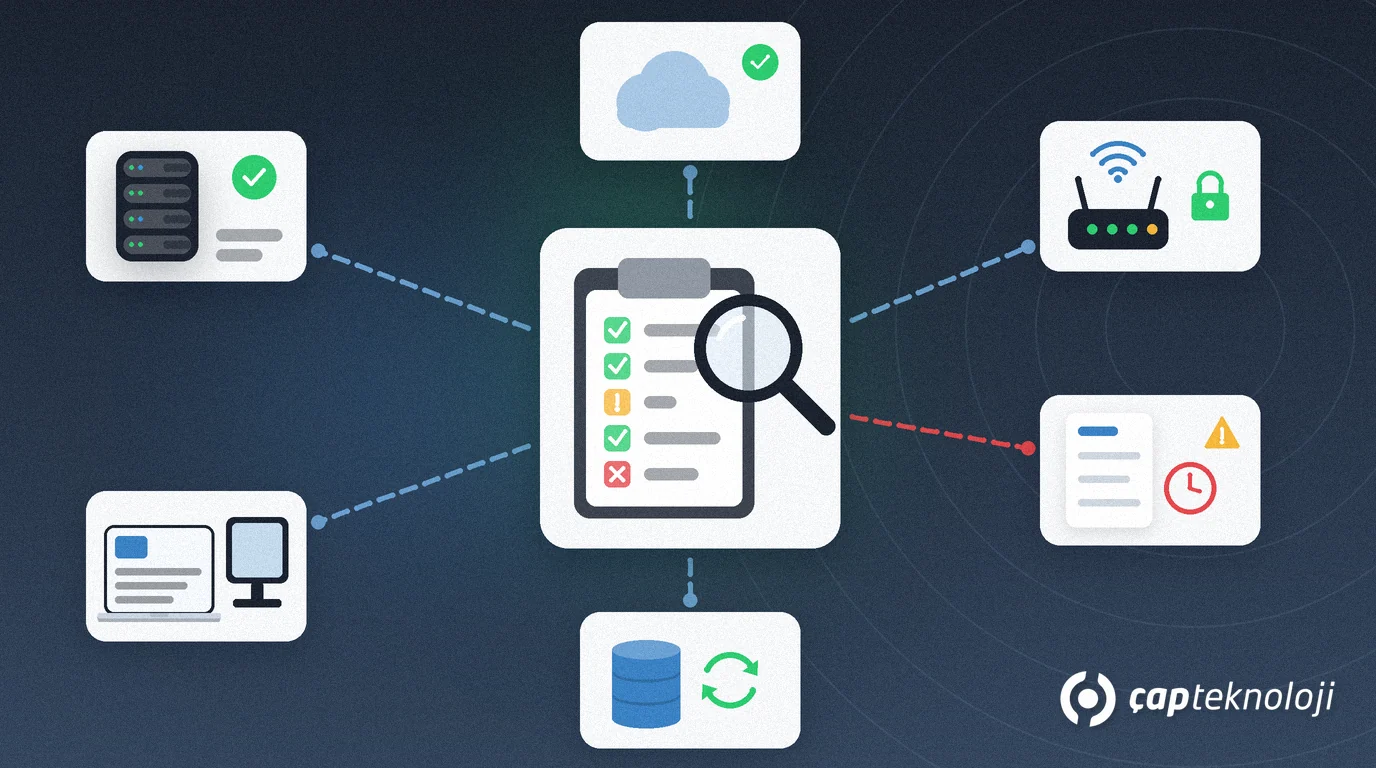
In short: An IT infrastructure audit means listing every server, computer, network device, cloud service, backup and licence in your company and assessing the condition, risk and cost of each one. At the end you have an up-to-date inventory, a prioritised risk list and a 12-month improvement roadmap. For SMEs the work usually takes a few days and brings unplanned outages, software reaching end of support and unnecessary licence spend to light early.
In most SMEs the IT infrastructure grows piece by piece over the years: a server was bought for one project, a network device was added during an office move, cloud subscriptions were opened by different departments. Nobody did anything wrong, but in the end no one knows the full picture. When a disk fails, a product reaches end of support or an employee leaves, that uncertainty turns directly into lost business.
This article explains what an IT infrastructure audit covers, how to carry it out step by step and which results you should have at the end.
What does an IT infrastructure audit cover?
An audit is not a look at a single server; it puts every technology layer the business depends on into one table. A typical SME audit covers:
- Servers and storage: physical and virtual servers, disk usage, warranty and hardware age.
- User devices: laptops and desktops, operating system versions, update status.
- Network: firewall, switches and wireless access points, internet lines and a backup connection.
- Cloud services: email, file sharing and SaaS subscriptions, and who holds admin rights.
- Backup: which data is backed up, how often and where, and when a restore was last tested.
- Licences and support dates: software licences in use, renewal dates and the vendor’s end-of-support dates.
- Access and security: admin accounts, accounts of former employees, use of multi-factor authentication.
How do you carry out an IT infrastructure audit step by step?
1. Build the inventory
Write every device, server and subscription into one table: name, location, owner, purchase date and the business applications running on it. Network scanners and management consoles speed this up, but one person has to own the table; otherwise the inventory is out of date again within months.
2. Check lifecycle and support dates
Operating systems and software that have reached end of support no longer receive security updates. Note the vendor’s end-of-support date for every product in the inventory. For Microsoft products the Microsoft product lifecycle page is the official place to look up support dates.
3. Verify backups and recovery
Having backups is not enough; you need proof that restores work. Run a sample restore of a critical server and measure how long it takes. If that time is longer than the business can accept, it is time to start on a disaster recovery plan.
4. Assess access and security gaps
List shared admin passwords, old accounts that were never closed and services exposed to the internet. For the basic server and network checks you can use our server and network infrastructure checklist. If deeper technical validation is needed, a penetration test can follow the audit.
5. Prioritise the findings
Score each finding with two questions: how big would the business impact be, and how likely is it to happen? High-impact, high-likelihood items go into the first quarter, low-impact items into later periods. That way the budget goes to the riskiest points first.
What should you have at the end of the audit?
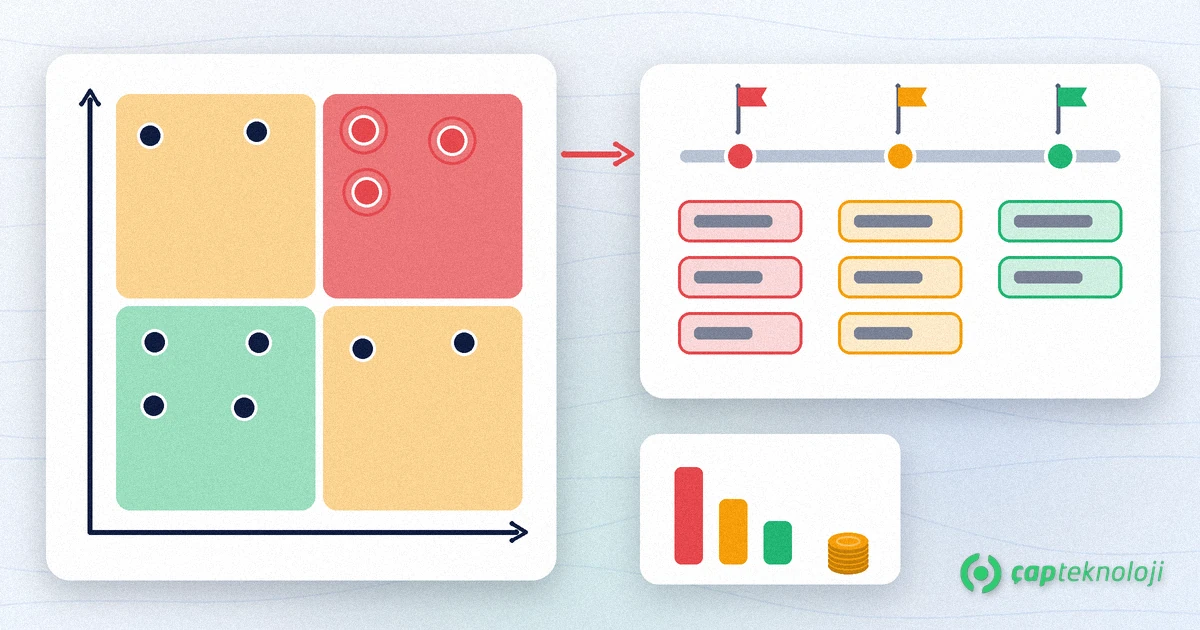
A good IT infrastructure audit does not end with a report file but with results you can decide on:
- Current inventory: a single table with a named owner that is updated regularly.
- Risk list: findings ranked by impact and likelihood, each with a recommended fix.
- 12-month roadmap: which task happens in which quarter, who is responsible and the estimated budget.
- Review schedule: the dates on which the audit is repeated, once a year and after major changes.
Checklist: before you start the audit
- Has the scope (whole company or one site) been agreed in writing?
- Has an owner been assigned to the inventory table?
- Is read access in place for servers, network devices and cloud admin consoles?
- Has the business shared its critical applications and acceptable downtime?
- Are systems that process personal data flagged separately for GDPR (and KVKK for Turkish operations)?
An IT infrastructure audit is the first step towards basing technology investment on data instead of guesswork. We explain the benefits of an outside view in our article what is technology consulting.
At ÇAP Teknoloji we audit SME IT infrastructure end to end and turn the findings into a prioritised roadmap. Take a look at our consulting services or get in touch to review your infrastructure together.
Frequently Asked Questions
How long does an IT infrastructure audit take?
For an SME with a few sites and a few dozen users, inventory, review and reporting usually take a few days. The duration depends on the number of devices, the sites and the state of existing documentation.
How often should an IT infrastructure audit be done?
A full audit once a year is recommended. An additional audit should follow major changes such as an office move, a new ERP project or a merger.
What is the difference between an audit and a penetration test?
An audit assesses the inventory, condition and risks of the whole infrastructure. A penetration test attacks selected systems in a controlled way to see whether vulnerabilities can actually be exploited. Usually the audit comes first and the penetration test follows.
Can our in-house IT team do the audit?
Yes, the inventory and technical checks can be done in-house. An outside view, however, questions habits and prioritises findings independently, so many companies choose a model in which the internal team and a consultant work together.