



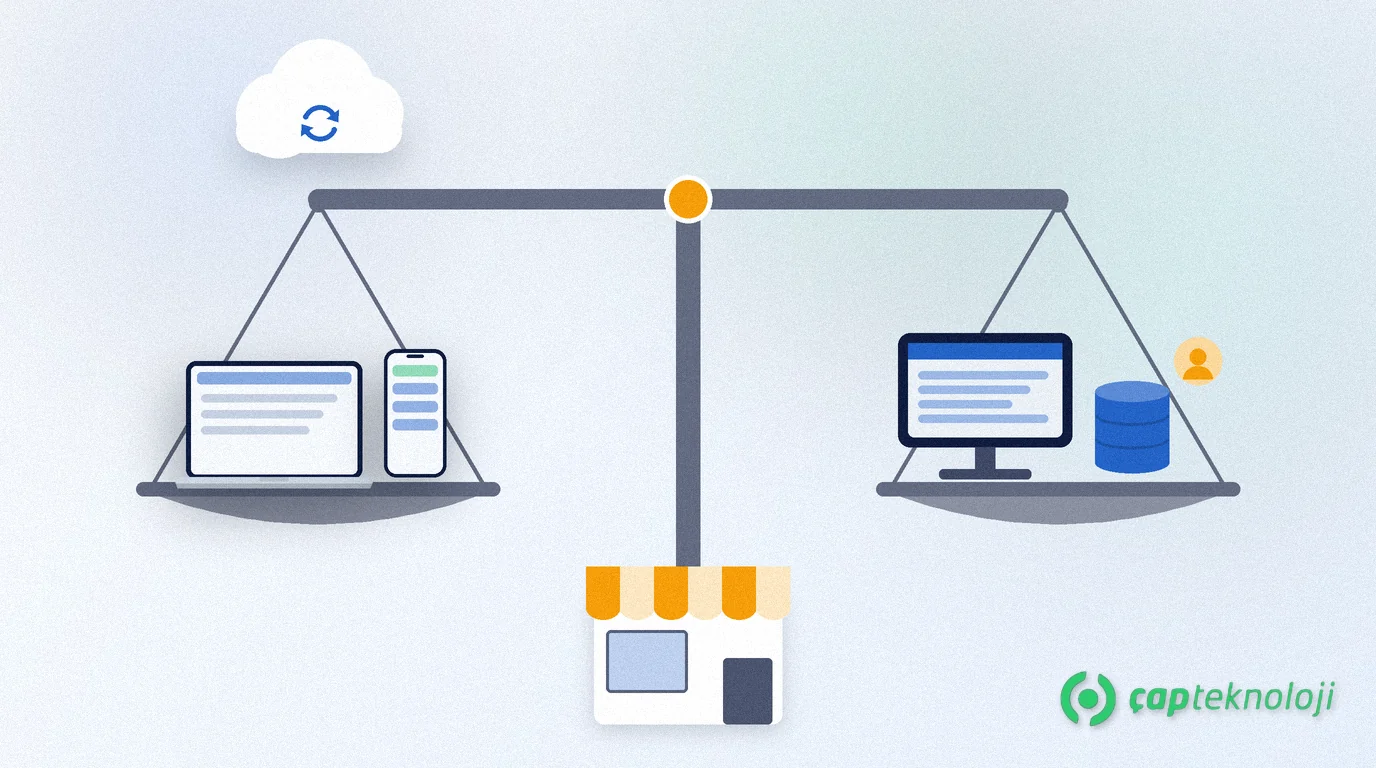
In short: Logo İşbaşı vs Logo Start 3 comes down to where and how you run your business. Logo İşbaşı is cloud-based, works in a browser and on your phone, and backs up your data in the cloud. Logo Start 3 is installed on your computer, is used by a single user and keeps more detailed records for inventory, costing, cheques and promissory notes.
Both are pre-accounting software for micro and small businesses in Turkey, and both can issue e-invoices, so the choice should follow the way you work. This guide collects the questions we hear most often as a Logo partner. If you need an ERP for several branches, production or a larger team, our article Logo Edge T-Series vs N-Series is a better starting point.
Contents
- What are Logo İşbaşı and Logo Start 3?
- Logo İşbaşı vs Logo Start 3: the key differences
- Which businesses is Logo İşbaşı a good fit for?
- Which businesses is Logo Start 3 a good fit for?
- Before you decide: an 8-question checklist
- When your business grows, which path is open?
- 4 common selection mistakes
- Summary
What are Logo İşbaşı and Logo Start 3?
Pre-accounting software (ön muhasebe in Turkish) records invoices, customer and supplier accounts, stock, cash and bank movements day by day and keeps the information your accountant needs in order.
Logo İşbaşı is cloud-based pre-accounting software for micro businesses, self-employed professionals and SMEs. It needs no installation and runs on any computer, tablet or phone with an internet connection.
Logo Start 3 is pre-accounting software for micro and small businesses that you install on your computer. According to Logo, it is used by a single user and works with a Microsoft SQL Server database.
The product details in this article come from Logo’s product pages for Logo İşbaşı and Logo Start 3. Check current package contents before you buy.
Logo İşbaşı vs Logo Start 3: the key differences
| Topic | Logo İşbaşı | Logo Start 3 |
|---|---|---|
| How it runs | Cloud-based; used in a web browser and in the iOS or Android mobile app. | Installed on a Windows computer (on-premise). |
| Internet | You need an internet connection to use it. | The program and database run on your computer; sending e-documents needs a connection. |
| Where data lives | In Logo’s cloud environment. | In a Microsoft SQL Server database on your computer. |
| Backups | Data is backed up instantly in the cloud; you can export records to Excel if you wish. | Taking backups and testing restores is your responsibility. |
| Users | You can add your accountant as a user so they can see your records. | Used by a single user. |
| Inventory and costing | Stock quantities update automatically with every purchase and sale. | Unlimited stock cards; consumption, scrap and count differences; FIFO and moving weighted average costing. |
| Finance | Customer and supplier accounts, cash and bank (TRY or foreign currency), cheque entry, bank integration. | Payment plans and instalments, cheque and promissory note tracking, EFT and transfers via bank integration. |
| Turkish e-documents | e-Fatura and e-Arşiv Fatura are used by purchasing a package. | e-Fatura, e-Arşiv Fatura, e-İrsaliye and e-Serbest Meslek Makbuzu are integrated. |
Pricing depends on the package and add-ons; get the current price from Logo or your partner. Logo İşbaşı offers a 14-day free trial, and the Logo Start 3 page also offers a free trial.
Which businesses is Logo İşbaşı a good fit for?
In our projects, Logo İşbaşı fits best when at least one of these applies:
- You work on the move. Issuing an invoice on your phone at the customer’s site or recording a payment on the road is easy with the mobile app.
- You do not want to maintain a computer. Installation, updates and backups are not your job.
- You want to work with your accountant in real time. You can add your accountant as a user or export expense records to Excel and share them.
- You are self-employed. The option to issue self-employment receipts (serbest meslek makbuzu) meets this need directly.
- Your inventory is simple. Stock quantities that update with every purchase and sale are often enough for a trading business with a small range.
Watch the internet: Logo İşbaşı is fully cloud-based, so you cannot reach it without a connection. If yours drops often, plan a backup route such as mobile data.
Which businesses is Logo Start 3 a good fit for?
- One person enters the records. Logo Start 3 is single-user software designed for businesses where one person runs pre-accounting.
- Inventory and cost detail matter. If you want to record consumption, scrap and count differences and track costs with FIFO or moving weighted average, Start 3 offers a more detailed structure.
- Credit sales, cheques and promissory notes are frequent. If customer-specific payment plans, instalments and cheque tracking are part of daily work, these features save time.
- You ship goods. Having e-İrsaliye (electronic dispatch note) integrated next to e-Fatura and e-Arşiv Fatura matters for businesses that ship.
- You want your data on your own computer. The database runs on your computer on Microsoft SQL Server.
In return, the computer and backups are your responsibility, because a disk failure or ransomware can wipe out records without a backup. See our article on SQL Server backups. Our SQL consulting team can help you set up installation and backups.
Before you decide: an 8-question checklist
Answer each question with “yes” or “no” and see where your yes answers collect.
- Do you need to issue invoices outside the office, on your phone? If yes, Logo İşbaşı stands out.
- Do you want your accountant to see your records in real time? If yes, Logo İşbaşı stands out.
- Is there nobody to look after the computer, updates and backups? If so, Logo İşbaşı means less work.
- Does the internet drop often at your workplace? If yes, that points towards Logo Start 3.
- Do you need to track consumption, scrap and count differences separately? If yes, Logo Start 3 stands out.
- Do you want cost reports based on FIFO or moving weighted average? If yes, Logo Start 3 stands out.
- Are cheques, promissory notes and instalment sales part of daily work? If yes, Logo Start 3 stands out.
- Do you need to issue e-İrsaliye? It is integrated in Logo Start 3; for Logo İşbaşı, ask Logo about the current package contents.
Confirm with your accountant which e-documents are mandatory for you; thresholds set by the Turkish Revenue Administration (GİB) can change.
When your business grows, which path is open?
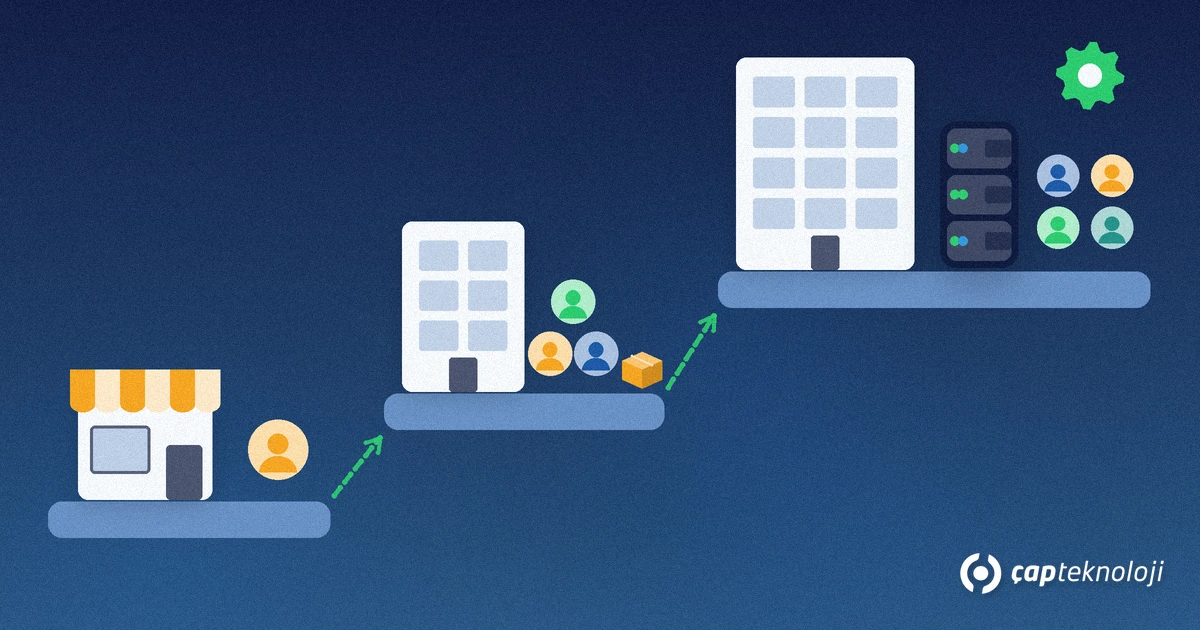
Think about the next few years, not just today. In our projects the need for a larger system usually shows up through these signs: more people entering records, a second warehouse or branch, production and bill-of-materials tracking, detailed user permissions and a sales team entering orders in the field.
At that point it is time to look beyond pre-accounting at an ERP. On the Logo side there are solutions such as Logo Edge T-Series (formerly Logo Tiger 3) and Logo Edge N-Series (formerly Logo Netsis 3). The question of whether the system runs in the cloud or on your own server comes up again; we compare both options in cloud ERP vs on-premise ERP.
To keep a later move easy, create customer and stock cards without duplicates, use a simple rule for card codes and keep your data exportable to Excel. Agree the transfer method with your partner when the time comes.
4 common selection mistakes
- Looking only at today’s price: The computer, backups, maintenance time and e-document packages belong in the calculation too.
- Assuming backups exist: Installed software does not back itself up.
- Leaving e-documents for later: Decide early which e-documents you will issue; the need for e-İrsaliye directly affects the choice.
- Underestimating user needs: Tomorrow an accounting employee or your accountant may want access too.
Summary
In the Logo İşbaşı vs Logo Start 3 decision, what matters most is where you work and how detailed your records need to be. If you work on the move, want no maintenance or backup work and share data with your accountant in real time, Logo İşbaşı is a practical start. If one person enters records, you need inventory costing, cheques and e-İrsaliye, and you want the data on your own computer, Logo Start 3 fits better.
As a Logo partner, ÇAP Teknoloji helps you choose the right product and plans installation, data transfer and backups with you. See our ERP consulting page or contact us.
Frequently Asked Questions
Does Logo İşbaşı work without the internet?
No. According to Logo, Logo İşbaşı is fully cloud-based and needs an internet connection. Your data is kept in the cloud, and you reach it from any connected computer, tablet or phone.
Can more than one person use Logo Start 3?
According to Logo’s product page, Logo Start 3 is used by a single user. If several people need access to the records, consider Logo İşbaşı or a broader Logo solution and clarify your needs with your partner.
Do I need my own backups with Logo İşbaşı?
According to Logo, data is backed up instantly in the cloud. If you wish, you can also export records to Excel and keep them on your own computer or an external disk.
Can I use e-invoicing with both products?
Yes. With Logo İşbaşı you start by purchasing an e-Fatura and e-Arşiv Fatura package. Logo Start 3 has e-Fatura, e-Arşiv Fatura, e-İrsaliye and e-Serbest Meslek Makbuzu integrated. Confirm with your accountant which e-documents are mandatory for you.
Can I import my existing records from Excel?
Both products support importing from Excel. In Logo İşbaşı you prepare an Excel file that follows the template in the program; in Logo Start 3 you can import data such as material cards and customer details from Excel. Clean up duplicate cards before importing.
