


In short: In the Logo Mind Insight vs Power BI decision, Logo Mind Insight is the shorter path for businesses that want to analyse Logo ERP data on-premise with ready-made report templates. Power BI is a platform that combines data from many sources, lets you build your own model and shares reports through the Microsoft cloud. Choose based on your data sources, report users, team skills and where the data must stay.
As a Logo partner, we often hear this question in projects: “We run Logo. Should we buy Logo’s own reporting tool or set up Power BI?” This article compares both tools against the same criteria and gives you a checklist for the decision. It does not claim one is “better”; it shows which one fits which situation. Logo is a Turkish ERP vendor, and many of its customers face exactly this choice.
Contents
- What is Logo Mind Insight?
- What is Power BI?
- Logo Mind Insight vs Power BI: comparison table
- When is Logo Mind Insight the better fit?
- When is Power BI the better fit?
- Can you use both?
- Before you decide: a checklist
- Access rights, data protection and security
- Summary
What is Logo Mind Insight?
Logo Mind Insight is the data analysis and reporting product of Logo Software. On Logo’s website the product page is now published as Logo Edge BI, and the old Mind Insight address redirects there. You may therefore see both names in quotes and documents.
According to Logo’s product page, it is installed on-premise and runs on Qlik Sense technology. It offers drag-and-drop report design and self-service analysis, plus ready-made report templates for materials management, sales, orders, finance, production, payroll and human resources. It can clean and combine data from different sources, and reports are available through web and mobile apps.
Note: Logo also sells a separate analytics product called Logo Edge BI Navigator, which works in Excel, on the web and on mobile. When you request a quote, make sure everyone is talking about the same product.
What is Power BI?
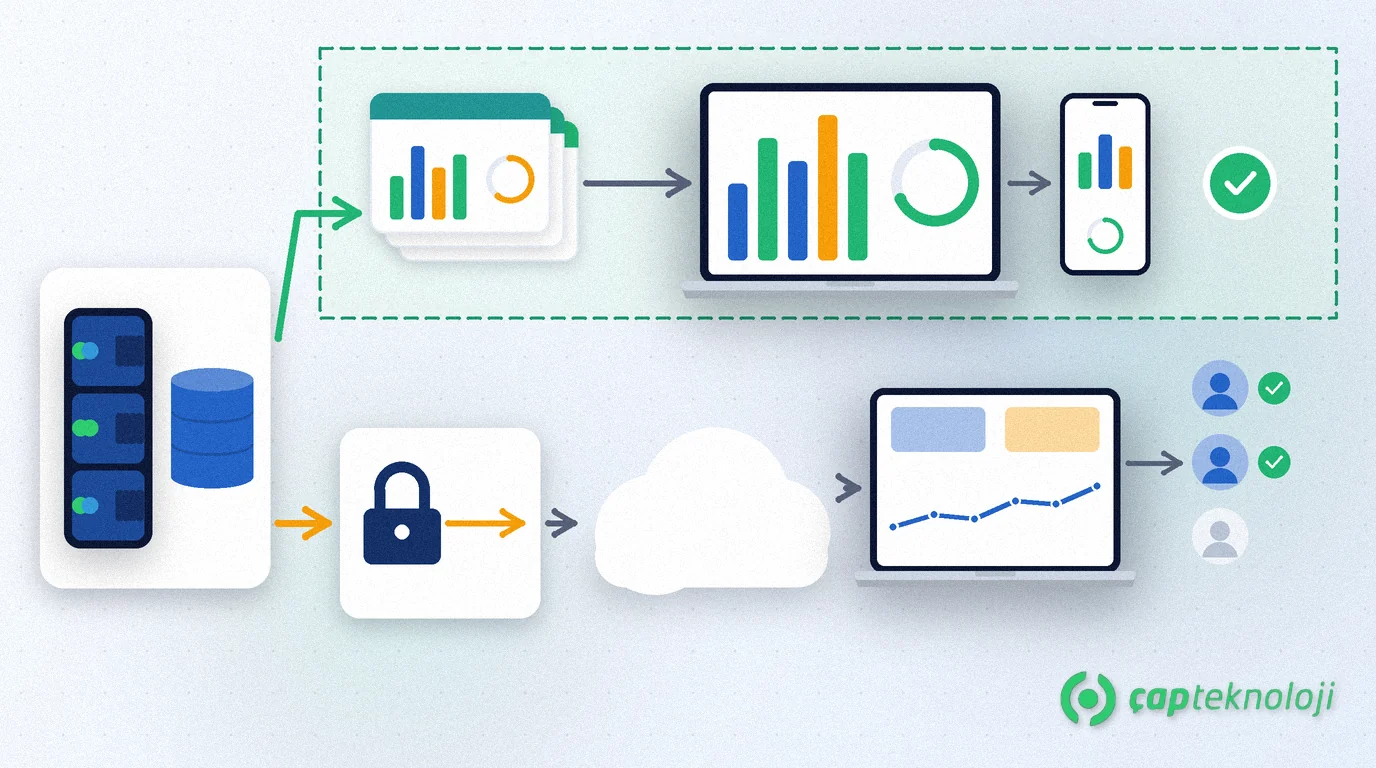
Power BI is Microsoft’s business intelligence platform. Reports are usually built in Power BI Desktop, then published and shared in the Power BI service in the cloud. Because the Logo database sits in SQL Server on your own server, the cloud service needs a way to refresh that data. Microsoft describes the on-premises data gateway for this: software installed on a local Windows machine that makes outbound connections, so no inbound ports have to be opened.
Power BI licensing is split into per-user and capacity licences. According to Microsoft’s documentation, a free licence cannot share reports; sharing and collaboration need a Pro or Premium Per User licence or a suitable capacity. If reports must be published on-premise instead of in the cloud, Microsoft also offers Power BI Report Server. We walked through a first report step by step in our article on Power BI reports from Logo data.
Logo Mind Insight vs Power BI: comparison table
| Criterion | Logo Mind Insight (Logo Edge BI) | Power BI |
|---|---|---|
| Deployment | On-premise | Cloud service; Power BI Report Server for on-premise |
| Getting started with Logo data | Ready-made report templates for Logo business areas | You or your consultant build the data model |
| Access to on-premise data | Runs inside the same network | On-premises data gateway for cloud refresh |
| Non-Logo sources | Can combine different sources | Connects to many data sources, flexible modelling |
| Skills needed | Lower entry barrier thanks to templates | Data modelling and DAX skills |
| Licensing | Quote based on users and modules | Per user (Free, Pro, PPU) and capacity licences |
| Who supports it? | Your Logo partner | Your BI team or BI consultant |
On both sides, the price depends on the number of users, the licence type and the scope. Compare them with current quotes.
When is Logo Mind Insight the better fit?
- Most of your data is in Logo: If sales, stock, finance and production reports come from Logo, the ready-made templates shorten the way to your first dashboards.
- Data must not leave the company: If company policy or customer contracts restrict cloud use, an on-premise installation makes life easier.
- No in-house BI specialist: If you want to start from templates rather than build a model, it is the easier starting point.
- One point of contact: Getting ERP and reporting support from the same Logo partner keeps things simple.
When is Power BI the better fit?
- Several data sources: If you want to combine Logo with e-commerce, CRM, Excel budgets or field sales data in one model, Power BI gives you that flexibility.
- You already use Microsoft 365: When users already work with Microsoft accounts, sharing and access control run in the same environment.
- You have an analyst or consultant: Star schemas, measures and DAX allow models tailored to your business.
- Business users will build their own reports: It is a strong option if you want a controlled self-service BI setup.
Can you use both?
Yes. One pattern we see in projects: operations teams follow daily sales, stock and finance reports with the ready-made content on the Logo side, while management uses Power BI dashboards that combine Logo with other sources. What matters is that the same KPI is not calculated differently in the two tools. Write down definitions such as revenue, gross margin or overdue receivables in advance and use the same definition on both sides.
Both tools read the Logo database. To keep report queries from slowing down ERP users, schedule refreshes outside working hours and consider a reporting copy or a data warehouse if needed.
Before you decide: a checklist
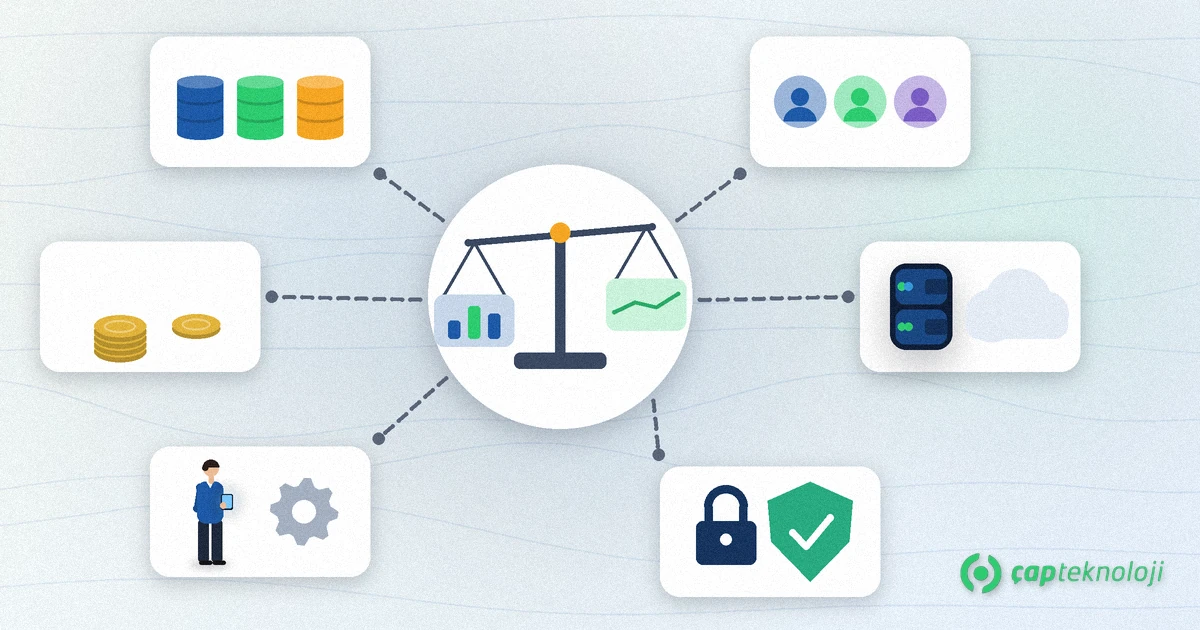
- Have you listed the data sources the reports will use? Only Logo, or other systems too?
- Who will use the reports, on which devices and how often?
- Is there any restriction on data leaving the company?
- Are the first three dashboards (for example sales, collections, stock) and their KPI definitions written down?
- Who will build and maintain the reports: an in-house team or a partner?
- Have you received current quotes for both options based on your user count?
- Who sees which data? Are access rules per branch, region or department defined?
- Have you run a short pilot with the chosen tool and collected feedback from real users?
Access rights, data protection and security
Whichever tool you choose, reports can contain personal data and trade secrets. Make sure only authorised people see payroll and HR reports, and restrict sales reports by region. In Power BI this is done with row-level security (RLS). Check your current obligations for processing and transferring personal data under Turkey’s data protection law (KVKK) with your legal adviser.
Summary
Logo Mind Insight is the more direct path for businesses whose data lives mainly in Logo and who want a quick on-premise start with templates. Power BI gives flexibility to teams that combine several sources, build their own model and share within the Microsoft environment. Using both is possible too; the key is shared KPI definitions and access rules planned from day one.
As a Logo partner, ÇAP Teknoloji analyses your reporting needs and helps you choose and set up the right tool for your Logo data. Learn more on our ERP consulting and BI consulting pages, or get in touch with us.
Frequently Asked Questions
Are Logo Mind Insight and Logo Edge BI the same product?
On Logo’s website the old Logo Mind Insight product address redirects to the Logo Edge BI page, and the page text uses both names. Confirm the product name and scope with your partner when you request a quote; Logo Edge BI Navigator is a separate product.
Can Power BI connect directly to the Logo database?
Power BI Desktop can connect to the SQL Server database that Logo uses. If reports are refreshed in the Power BI cloud service, you need Microsoft’s on-premises data gateway, which uses outbound connections and does not require inbound ports.
Which is cheaper, Logo Mind Insight or Power BI?
There is no general answer. Logo prices depend on users and modules; Power BI has per-user and capacity licences. Ask for current quotes for both options based on your user count.
Can we use both tools at the same time?
Yes. Operational reports can use the ready-made content on the Logo side, while management dashboards are built in Power BI. Make sure each KPI uses the same definition in both tools and that refreshes do not slow down the ERP.
How do we find out which tool is easier to learn?
A short pilot is the most reliable way. Build the first three dashboards with real users and see who can produce reports with how much support.