



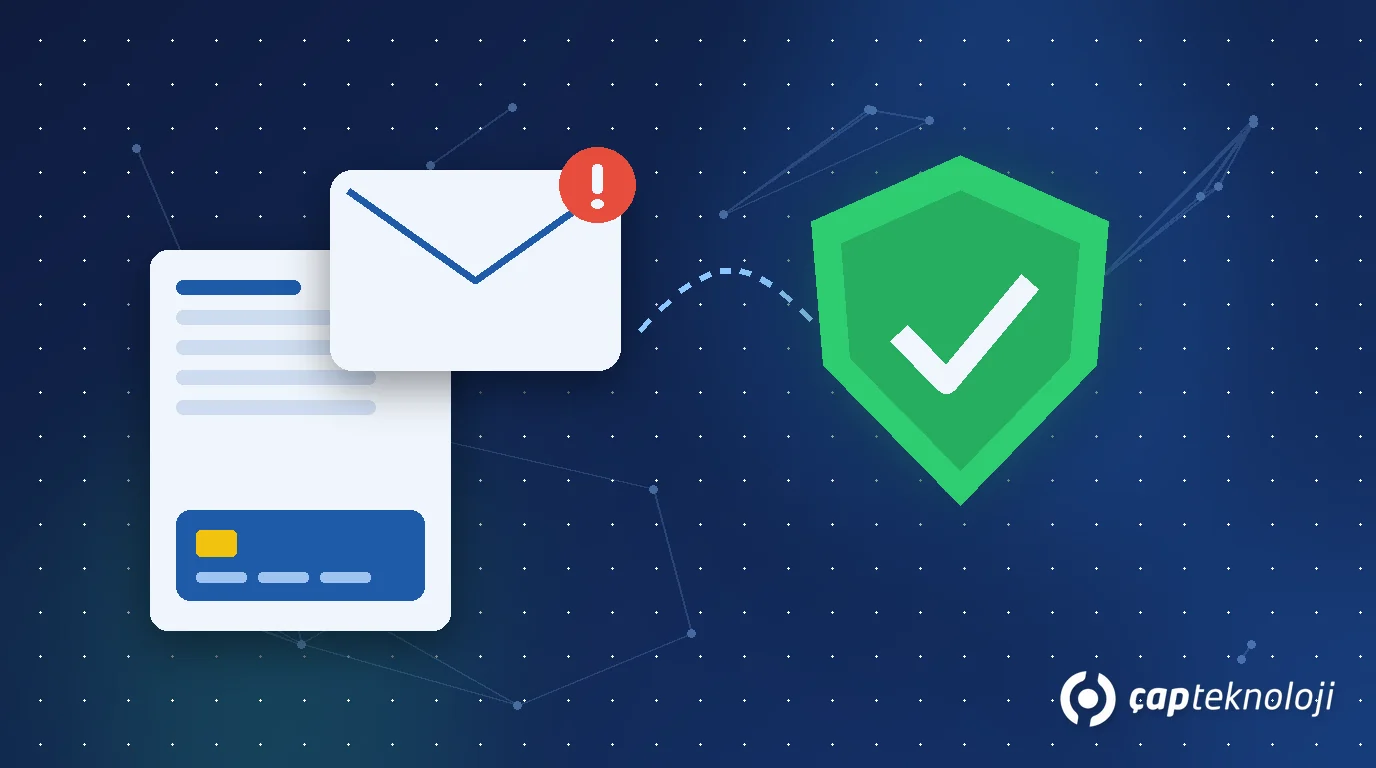
In short: Business email compromise (BEC) is a scam in which an attacker impersonates an executive, employee or supplier by email to trick a company into making a fraudulent payment. Its most common form is a fake invoice announcing that “our bank details have changed”. Protection has two layers: technical email controls such as MFA and SPF/DKIM/DMARC, and finance controls such as verifying any bank detail change by calling a known number and requiring dual approval for payments.
Table of Contents
It is not as loud as ransomware. It encrypts nothing and often contains no malware at all. All it takes is a convincing email sent to the right person at the right moment. That is why business email compromise is one of the most underestimated risks for SMBs whose security budget stops at antivirus and a firewall. The FBI’s Internet Crime Complaint Center (IC3) consistently ranks BEC among the costliest types of cybercrime by reported losses in its annual reports.
We covered the security basics in Cybersecurity for SMBs. This article focuses on one question: how does your company’s money end up in the wrong account because of a fake email, and how do you stop it?
According to the FBI Internet Crime Complaint Center (IC3 2023 report), 21,489 BEC complaints were filed in the year and reported losses exceeded 2.9 billion dollars, many times the ransomware losses reported in the same report. The most expensive type of fraud is the least technical one.
What is business email compromise (BEC)?
BEC is a social engineering attack in which the attacker imitates business correspondence, or takes over a real mailbox, to request a wire transfer, sensitive data or an invoice payment. The three scenarios we see most often are:
- Bank detail change fraud: An email that appears to come from a real supplier says “our bank account has changed, please pay this month’s invoice to the new IBAN”. The invoice itself is often genuine; only the account number is not.
- Executive impersonation (CEO fraud): An urgent request in the name of the managing director: “I’m in a meeting, there’s a confidential acquisition, this transfer has to go out today.”
- Thread hijacking: The attacker quietly follows a real conversation in a compromised mailbox and steps in at the right moment to change the payment instructions.
Why these attacks work
The strength of BEC lies in trust, not technology. Attackers usually combine several techniques:
- Lookalike domains: addresses that differ from the real domain by a single swapped or added character and are easy to miss at a glance.
- Compromised accounts: Without MFA, one phished password hands the whole mailbox to the attacker, who often sets up hidden forwarding rules to read along silently.
- Urgency and secrecy: Phrases like “the order will be cancelled if this isn’t paid today” or “keep this between us” are designed to skip verification.
- Timing: Month-end payment runs, holidays and days when the executive is travelling are favourite moments.
5 technical controls on the email side
1. Multi-factor authentication (MFA) everywhere
Whether you use Microsoft 365, Google Workspace or your own mail server, MFA prevents a stolen password from opening the mailbox on its own. Start with finance, purchasing and executive accounts.
2. SPF, DKIM and DMARC
These three DNS records define who may send email on behalf of your domain and allow receiving servers to reject spoofed messages. The safest path is to start DMARC in monitoring mode (p=none), review the reports, and then move step by step to “quarantine” and “reject”. Treat this together with the access and logging items in our server and network security checklist.
3. Monitor mailbox rules and sign-ins
Rules that auto-forward mail externally, sign-ins from unexpected countries and newly granted app permissions are the clearest signs of a compromised account. Disable automatic forwarding to external addresses by default and set up alerts for these events.
4. External sender tags and lookalike domain checks
A visible “external sender” tag on incoming mail makes a fake message in your CEO’s name much easier to spot. Periodically checking for newly registered domains that resemble yours also helps.
5. Extra protection for finance and executive accounts
Apply stricter session policies, access from company devices only and regular permission reviews to every account that can approve payments.
Process controls: never let email alone move money
Technical controls reduce the risk but cannot eliminate it. The most effective defence against business email compromise is a finance process that never relies on email alone.
1. Call-back verification
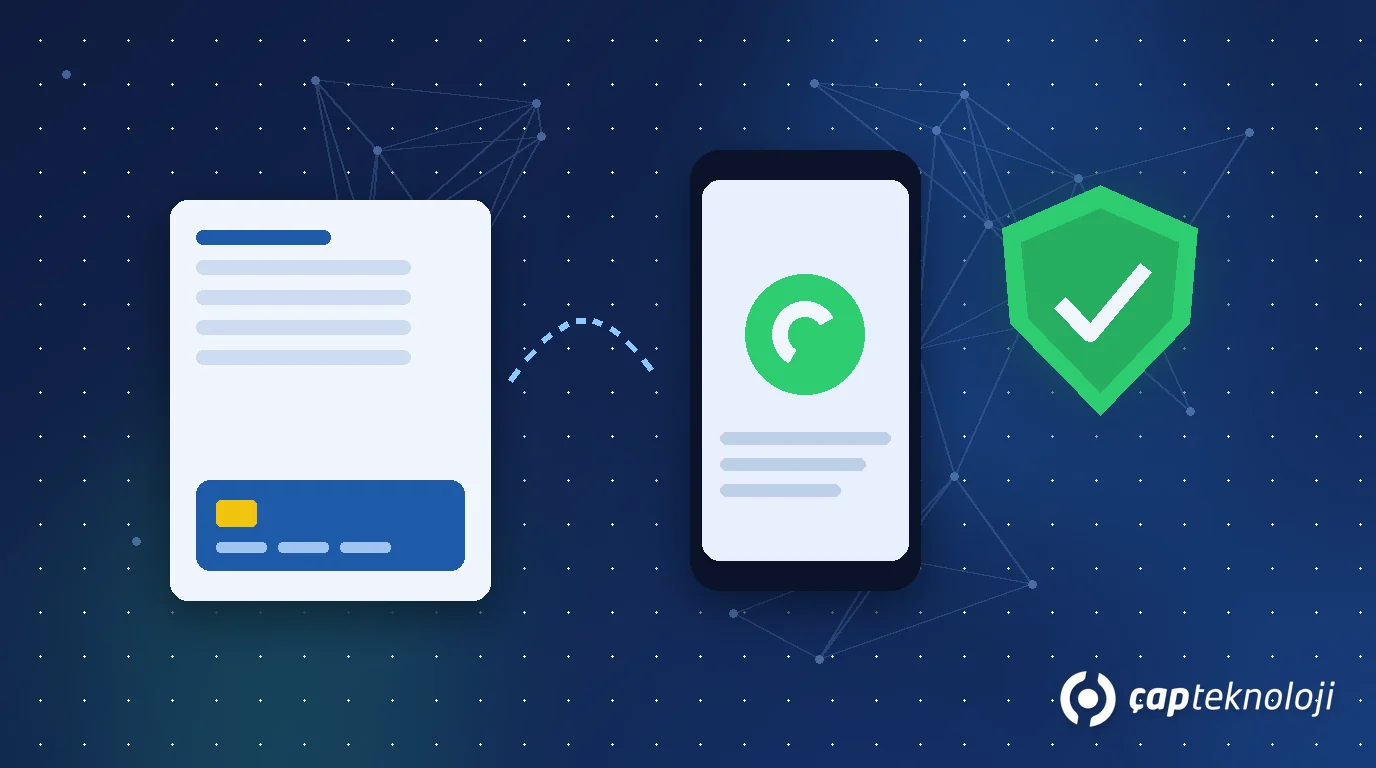
When a bank detail change or unusual payment request arrives, call the supplier on the number already stored in your system, never the number in the email. This single rule defeats most bank detail change scams.
2. Dual approval for bank detail changes
Changing the IBAN on a supplier record in your ERP should never be a one-person task: the person who enters the change and the person who approves it must be different. You can also require an extra approval for the first payment to a new account. Our guide to ERP integration explains how e-invoicing and ERP workflows connect.
3. Change logs and segregation of duties
Record who changed bank details on supplier records and when, and review those changes regularly. Role-based separation of permissions is a core part of ERP and IT infrastructure management.
4. A “stop and verify” culture
An urgent, confidential and unusual payment request is a reason to verify, no matter who it appears to come from. A culture in which employees feel comfortable calling the managing director to confirm is worth more than any expensive tool.
What to do in the first hours after a BEC incident
- Call your bank immediately: Ask for the transfer to be stopped or recalled; speed matters more than anything else here.
- Secure the account: Reset the mailbox password, sign out all sessions, and check forwarding rules and app permissions.
- Preserve evidence: Do not delete the emails; keep them with full header information.
- Report it: File a report with law enforcement in your country. If personal data was affected, assess the 72-hour notification duty under GDPR (and KVKK for operations in Turkey).
- Inform the supplier: Their account may be compromised, which puts their other customers at risk too.
Summary: a business email compromise checklist
- Is MFA enabled on all email accounts, especially finance and executive accounts?
- Are SPF, DKIM and DMARC configured for your domain, and are DMARC reports reviewed?
- Is automatic forwarding to external addresses disabled, with alerts for suspicious sign-ins?
- Are bank detail changes verified by calling a number already on file?
- Are IBAN changes and payment approvals handled by different people in your ERP?
- Is it written down who calls the bank and what happens next if an incident occurs?
Most BEC attacks start with a phishing email; measure your employees’ ability to spot them with a regular phishing simulation programme, and have the technical gaps in your mail server and external access verified with a penetration test.
At ÇAP Teknoloji, we review your email configuration, authentication settings and ERP payment processes together and build a practical roadmap to reduce BEC risk. Take a look at our cybersecurity consulting service or contact us for an assessment.
Frequently Asked Questions
What is business email compromise (BEC)?
BEC is a social engineering attack in which an attacker impersonates an executive, employee or supplier by email, or takes over a real mailbox, to trick a company into making a fraudulent payment. The most common example is a fake invoice announcing new bank details.
How can I tell whether a supplier’s bank detail change email is genuine?
Rely on verification, not on the email itself. Call the supplier on the phone number already stored in your system to confirm the change, and never use the number or links provided in the email.
Does DMARC alone stop BEC attacks?
No. DMARC makes exact spoofing of your own domain much harder, but it does not stop emails from lookalike domains or from genuine accounts that have been compromised. Combine it with MFA and verification steps in your payment process.
What should we do first if we have already paid a fraudulent invoice?
Call your bank immediately and ask for the transfer to be stopped or recalled. Then secure the affected mailbox, preserve the emails as evidence and report the incident to law enforcement.
