



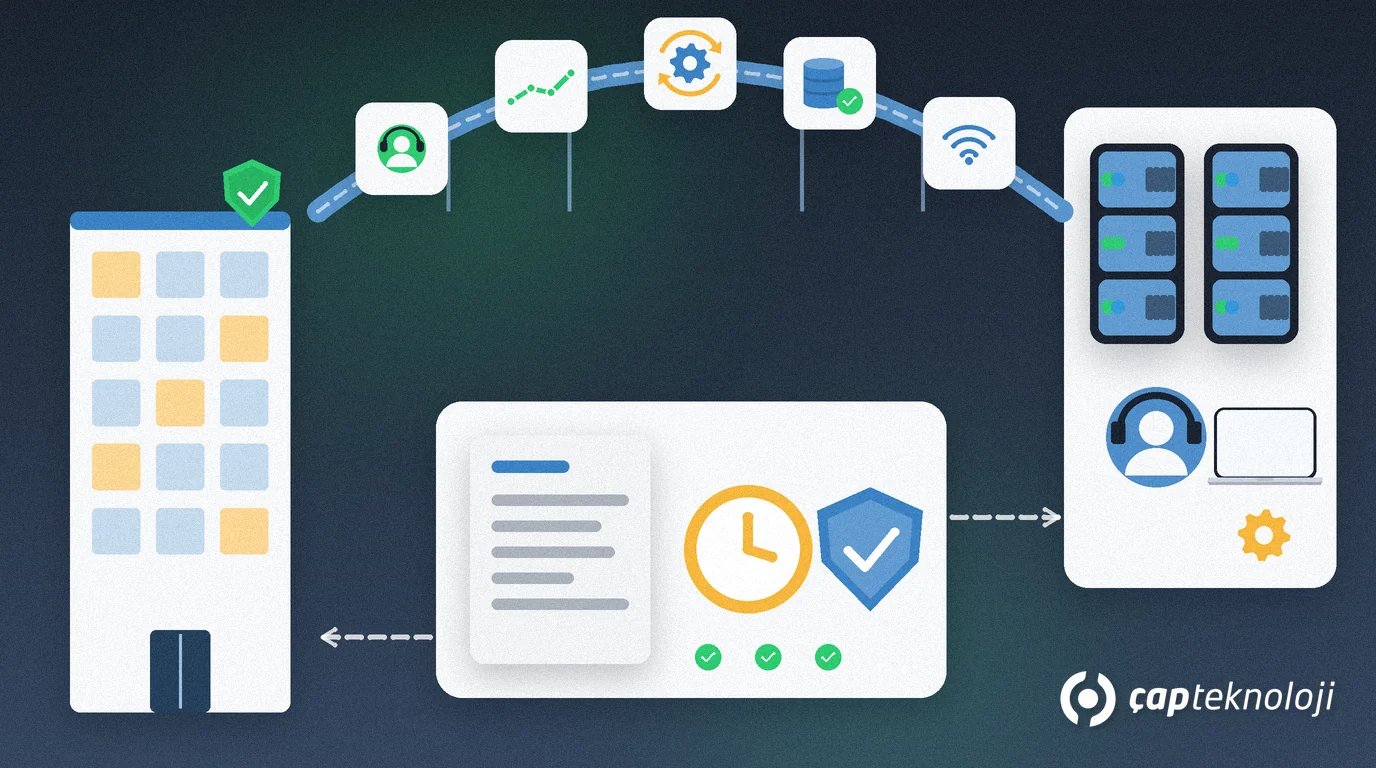
In short: IT outsourcing for SMEs means handing all or part of your IT work, such as the helpdesk, server maintenance, backups or network management, to a specialist provider under a written contract. The healthiest approach is to outsource repeatable, skill-heavy operations while keeping IT decisions, data ownership and access approval in-house.
In many small companies, IT is a side job for the one employee who “knows computers”. As the business grows, that stops working: nobody is sure the backups actually run, updates get postponed and, when something breaks, it is unclear who to call. At the same time, a full in-house IT team is not realistic for every business.
This guide covers which IT tasks are suitable for outsourcing, the common service models, the steps of the transition and the clauses every contract should contain.
What is IT outsourcing?
IT outsourcing is the practice of having an external provider, rather than your own staff, deliver your information technology services, with the scope and service levels defined in a contract.
Two forms are common. Some companies hand their entire IT operation to a managed service provider (MSP); most SMEs build a hybrid model and outsource only selected tasks. Whichever you choose, handing over the work does not hand over the responsibility. The joint advisory on managed service providers published by the US agency CISA together with its UK, Australian, Canadian and New Zealand counterparts recommends that provider–customer contracts clearly state who owns which security roles and responsibilities.
Which IT tasks should you outsource, and which should stay in-house?
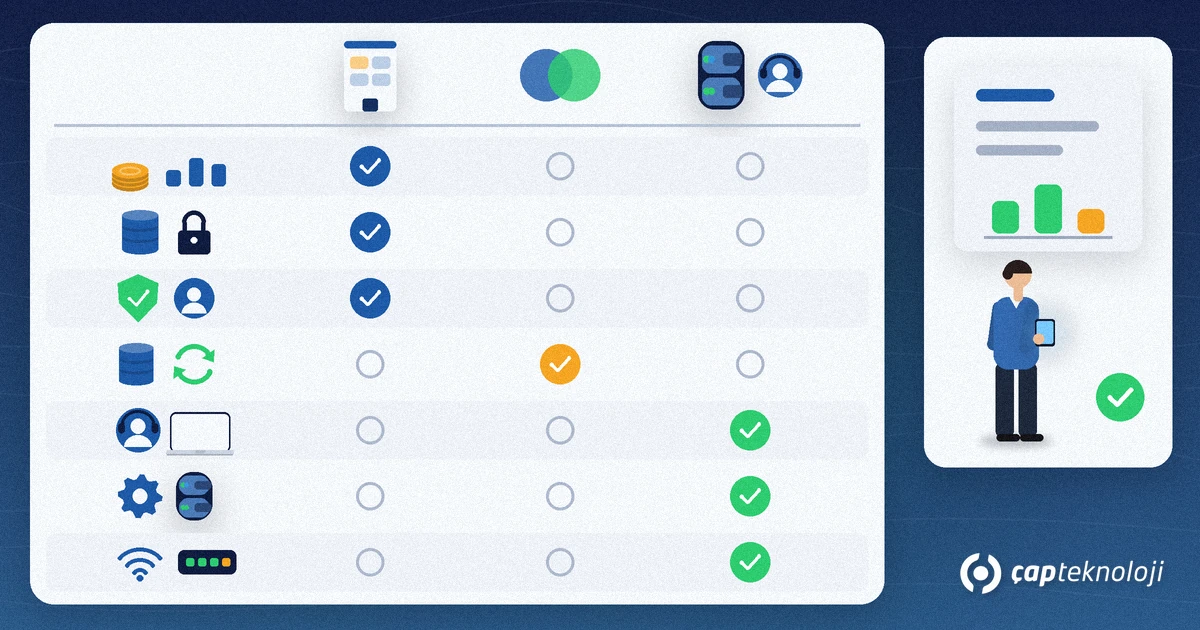
The best candidates are operations that can be defined, measured and repeated:
- User support (helpdesk): password resets, email and printer issues, preparing devices for new starters.
- Monitoring and patch management: tracking updates on servers and PCs, disk space and service alerts.
- Backup operations: checking backup jobs every day and running regular restore tests.
- Network and firewall management: rule changes, VPN access, firmware updates.
- Time-boxed projects: server refreshes, email migrations or cloud moves that need specialist skills.
What should stay inside are decisions and ownership: the IT budget and priorities, where each type of data lives, approval of user permissions, knowledge of your business processes and the management of the provider itself. A small business does not need a full-time IT manager for this, but it does need one named person who deals with the provider, reads the reports and makes decisions.
IT outsourcing models compared
Providers usually offer their services in four ways. Which one fits depends on how often things break and how predictable your budget needs to be:
| Model | How it works | Benefit | Risk | Best for |
|---|---|---|---|---|
| Break-fix support | Called when something fails, billed per job or per hour | No fixed monthly cost | No preventive maintenance; problems surface late | Few devices, low dependence on IT |
| Support bundle (block hours) | A set number of support hours is bought per month or year | Predictable budget, priority response | Unused hours are lost; out-of-scope work is billed extra | Offices with a predictable volume of requests |
| Managed services (MSP) | Monitoring, patching, backups and support sit with the provider under a defined scope | Preventive maintenance, SLA and regular reporting | Dependence on the provider; a weak contract blurs the scope | SMEs whose operations depend on IT |
| Project-based services | A defined piece of work is delivered with a start and end date | Specialist skills exactly when needed | Ongoing operation can be left without an owner afterwards | Migrations, installations, refreshes |
For many SMEs, the most balanced setup combines managed services or a support bundle for day-to-day operations with project-based work for larger changes.
How to move to IT outsourcing, step by step
1. Map what you have
You cannot get a meaningful quote without knowing what you are handing over. List devices, licences, servers, user accounts and critical applications. A structured IT infrastructure audit is a good starting point.
2. Write down the scope and service levels
Which tasks move to the provider and which stay with you? What are the support hours, priority definitions, response and resolution targets? Describe with examples what “urgent” means for you: the whole office losing internet access should not have the same priority as one broken printer.
3. Compare providers before you choose
Get at least two offers and, beyond the price, ask for references, team size, out-of-hours arrangements and a sample monthly report. The checklist in our guide on choosing a technology consulting company works well for this comparison too.
4. Grant access securely
Give every technician of the provider a personal account; no shared “admin” login. Make multi-factor authentication (MFA) mandatory for remote access, grant only the permissions the job needs and keep access logs where you can see them too.
5. Document the handover
The password vault, network diagram, backup plan and installation notes for critical systems should be written down as part of the handover. These documents belong to your company, not to the provider.
6. Agree on reviews and an exit plan
Fix the schedule for monthly reports and periodic review meetings from the start. The contract should also describe how documents and access are handed back when it ends or when you switch providers.
Clauses your contract and SLA should include
- A clear scope list: what is included, what is not and how extra work is charged.
- Response and resolution times: per priority level, together with how they are measured.
- Backup and restore: who runs backups, how often restore tests take place and how results are reported. This should match your disaster recovery plan.
- Security incident notification: how quickly and through which channel the provider tells you about a suspicious event.
- Personal data: if the provider processes personal data on your behalf, it acts as a processor, and Article 28 of the GDPR requires that processing to be governed by a contract. For companies in Türkiye, KVKK also makes the data controller jointly responsible with its processors for data security. Draft these clauses with your legal adviser.
- Subcontractors: whether the provider may pass part of the work to another company.
- Exit and handback: delivery of documents, passwords and administrator access at the end of the contract.
Common mistakes
- Outsourcing the responsibility too: “the provider takes care of it”, and nobody reads the reports.
- Choosing on price alone: the cheapest offer often comes with the narrowest scope.
- Shared admin accounts: you cannot trace who did what or lock out a technician who leaves.
- An undocumented handover: if the knowledge lives only with the provider, switching becomes very hard.
Checklist: are you ready for IT outsourcing?
- Your IT inventory is current and written down.
- Tasks to outsource and tasks to keep are separated.
- Priority levels and target times are defined with examples.
- Provider access will use personal accounts and MFA.
- Backup, incident notification and personal data clauses are in the contract.
- A reporting and review schedule and an exit plan are agreed.
Set up well, IT outsourcing turns IT from something that depends on one person into a measurable service. At ÇAP Teknoloji, our management consulting team reviews your current IT setup and helps you define the outsourcing scope, service levels and provider selection criteria. Get in touch to talk it through.
Frequently Asked Questions
Is IT outsourcing cheaper than hiring in-house IT staff?
There is no single answer. Compare more than salaries: cover for holidays and sick leave, training, tools and out-of-hours support all count. Compare offers on the same scope and the same service levels.
Should we outsource all of IT or only part of it?
For most SMEs a hybrid model works best: routine operations such as the helpdesk, monitoring, patching and backups sit with the provider, while decisions such as the IT budget, data ownership and approval of permissions stay in-house.
What is an SLA and what should it cover?
A service level agreement defines which services the provider delivers, how fast and to what standard. Check the priority definitions, response and resolution times, support hours, how performance is measured and reported, and what happens when targets are missed.
What happens if we want to switch providers?
With an exit clause and up-to-date handover documents, the switch can be planned. Afterwards, close the old provider’s accounts, change administrator passwords and remove its remote access tools.
