



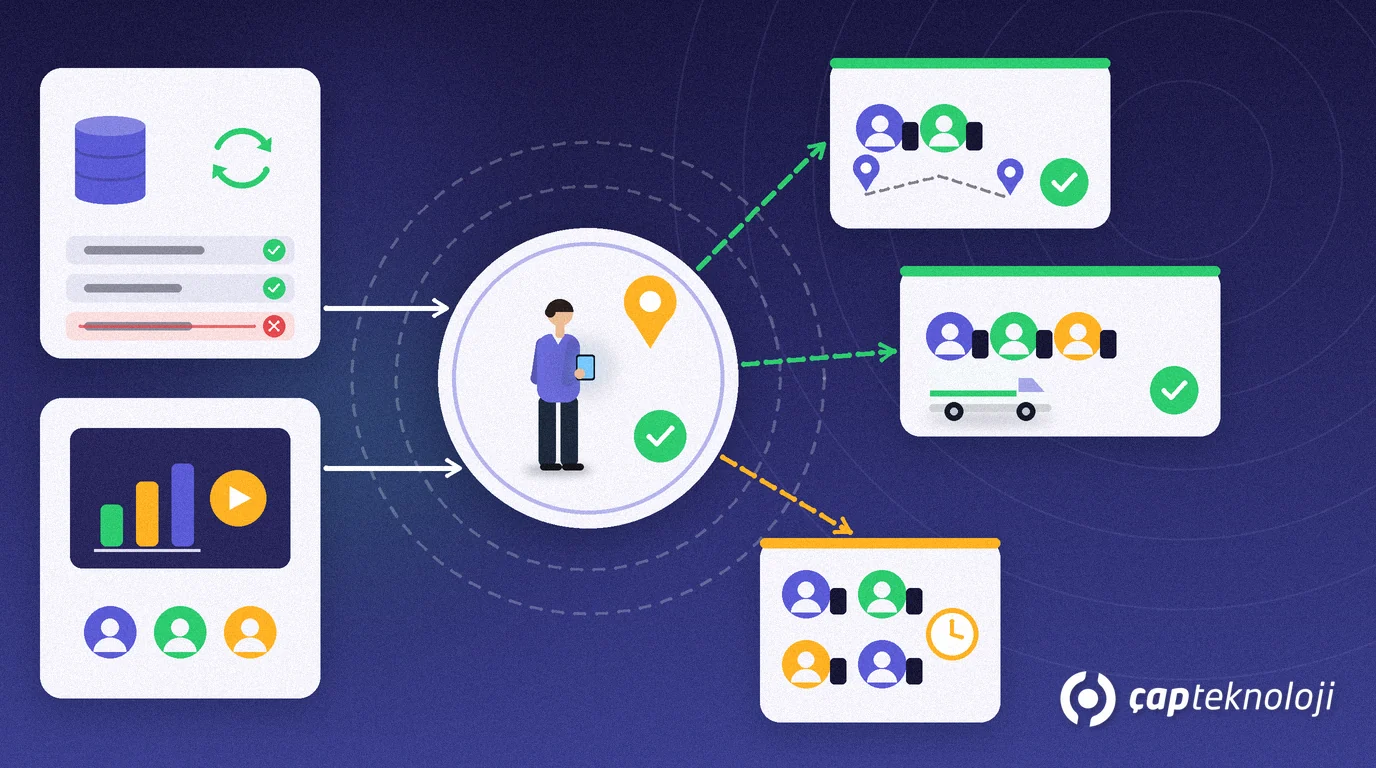
In short: A field sales app rollout moves order taking, visits and collections from paper or spreadsheets to a mobile app in a controlled way. A successful field sales app rollout rests on clean master data, a tested ERP integration, a representative pilot region and measuring real usage after training.
Choosing the software is only half the job. The real risk is that in week one a rep sees the wrong price, an order never reaches the ERP, or the team decides “the old way was faster” and goes back to the order book. Most of these problems come from an unplanned rollout, not from the software.
This guide shows how SMEs can move a field team onto a mobile app: choosing a rollout method, a seven-step plan, team adoption and a checklist.
What is a field sales app rollout?
A field sales app rollout is the change project in which reps start handling orders, visits, stock checks and collections on a mobile device connected to the ERP, delivered in phases: data preparation, testing, pilot, training and scale-out.
It is not an installation but a change in how people work. The rep’s day, the sales manager’s reporting and the back office’s order checks all change at once. If you are still selecting a product, start with our article on digital transformation in field sales; this guide covers what happens after the decision.
Big bang or pilot? Comparing rollout methods
The rollout method decides how much risk you put on a single day. Three common approaches compare like this:
| Method | How it works | Advantage | Risk | When it fits |
|---|---|---|---|---|
| Big bang | The whole team starts on the same day | Short timeline, no double entry | Every mistake hits the whole field at once | Small team, simple products and pricing |
| Pilot + phased waves | One region first, then the others in waves | Problems are caught small, training improves | Longer timeline, two processes coexist for a while | Several regions, complex pricing or discounts |
| Long parallel run | Paper and app are used side by side for weeks | Psychological comfort | Double entry, inconsistent data, nobody finishes the switch | Not recommended; if needed, keep it very short with an end date |
For most SMEs with more than one region, a pilot followed by phased waves is the most balanced choice: risk stays in a small area, and lessons from the first region improve training for the next waves.
A step-by-step field sales app rollout plan
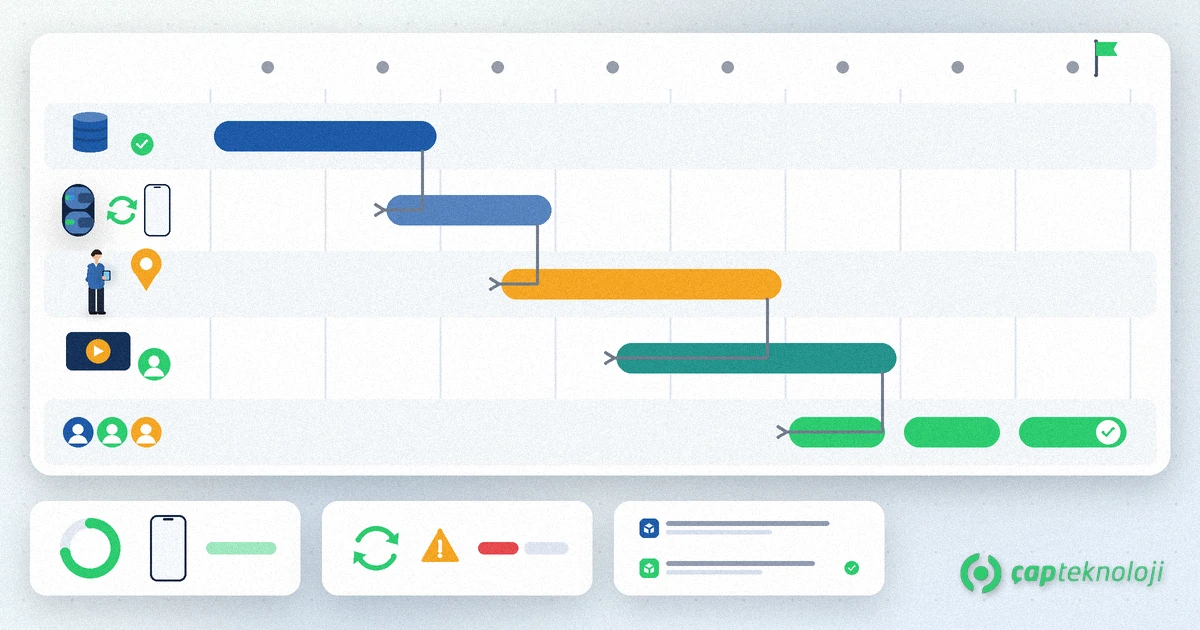
1. Write down goal and scope
Decide which processes move to the app in phase one: orders only, or visits, collections and returns as well? Switching on everything at once makes training heavy. Define success up front with something observable, such as “orders in the pilot region are entered through the app”.
2. Clean the master data
Duplicate customer accounts, missing addresses, wrong units and outdated price lists all show up on day one. Review customer, product, unit and price data before go-live, separate inactive records and assign every customer to the right rep and route. An app that opens with dirty data loses the reps’ trust fastest.
3. Test the ERP integration with real scenarios
Check how an order lands in the ERP and how stock and prices flow back to the phone, using real cases: promotional orders, partial deliveries, returns and limit breaches. Document in which direction and how often the ERP integration runs. If you apply credit rules, add credit limit control behaviour in the field to the test list.
4. Choose a representative pilot region
Run the pilot in a typical region, not the easiest one: mixed customer types, weak-signal areas and average order volume. The pilot should cover at least one full visit cycle; with weekly routes, every customer should have been visited with the app at least once. Name a “key user” in the team who embraces the app and takes first-line questions.
5. Train by role and in the field
Reps, sales managers and office staff use different screens, so teach each role its own daily work instead of one shared slide deck. Train reps in the van on a real route where possible. Always show what happens when the connection drops; a rep who does not know how an offline field sales app behaves will return to paper at the first dead zone.
6. Announce go-live and the end of the old method
Set a clear start date for each region and announce in advance after which date paper orders are no longer accepted. Open a support channel reps can reach instantly in the first days; problems solved while small do not erode trust.
7. Measure the first 30 days before the next wave
Track weekly how many orders come through the app, sync errors, completed visit records and support requests. Open the next region only after pilot issues are closed. A short weekly review with the key user and the sales manager is usually enough to decide whether the next wave is ready.
Team adoption: how do you reduce reps’ resistance?
Reps’ objections usually come down to three points: “it is slower”, “it is there to watch me” and “what if there is no signal?”. Answer each one concretely. For speed, put screens first that bring up frequently ordered items and the last order with one tap. Demonstrate offline work during training.
If location and visit data will be collected, say so openly: share in writing which data is collected for what purpose, who can see it and how long it is kept. Employee data can be personal data, so define notices and retention rules with your legal adviser; for the EU framework, see the General Data Protection Regulation (GDPR) on EUR-Lex, and for Türkiye the KVKK.
Finally, show reps what they gain: seeing stock instead of phoning the office, no handwritten collection receipts and no month-end order reconciliation.
Common mistakes
- Starting with dirty data: Duplicate accounts and wrong prices end trust on day one.
- Piloting in the easiest region: Problems only surface during scale-out.
- Parallel running without an end date: Double entry becomes permanent.
- One-off classroom training: Without support at the first question, the team falls back.
- Not measuring usage: Only data tells you whether the app is really used.
Rollout checklist
- Are phase-one scope and success criteria written down?
- Are customer, product, unit and price data cleaned, and is every customer assigned to a rep?
- Have order, stock, price, return and limit scenarios been tested with the ERP?
- Is the pilot region representative and does it cover at least one visit cycle?
- Have role-based training and the offline scenario been delivered?
- Have the paper cut-off date and the support channel been announced?
- Are notice and retention rules for location data defined?
- Are first-30-day usage indicators tracked weekly?
With a planned field sales app rollout, the team works from the same data from week one, the office stops chasing orders and managers follow the field through live data instead of late reports. At ÇAP Teknoloji we plan S-Leader rollouts with you, from data preparation and ERP testing to the pilot region and team training. Explore S-Leader field sales automation or contact us to discuss your rollout plan.
Frequently Asked Questions
How long does a field sales app rollout take?
There is no fixed duration; master data quality, ERP integration complexity and the number of regions set the timeline. The pilot should cover at least one full visit cycle, and further regions should follow in waves once pilot issues are closed.
Which region should run the pilot?
The most typical region, not the easiest: mixed customer types, weak-signal areas and average order volume. That way, problems that would appear during scale-out show up in the pilot.
Should paper orders and the app run in parallel?
Only for a very short period with an end date announced in advance. A long parallel run creates double entry and inconsistent data, and the team sees no reason to finish the switch.
What should we consider when recording reps’ locations?
Location and visit data can be personal data. Tell employees in writing what is collected and why, who can access it and how long it is kept, and set the rules with your legal adviser under the GDPR or your local data protection law.
