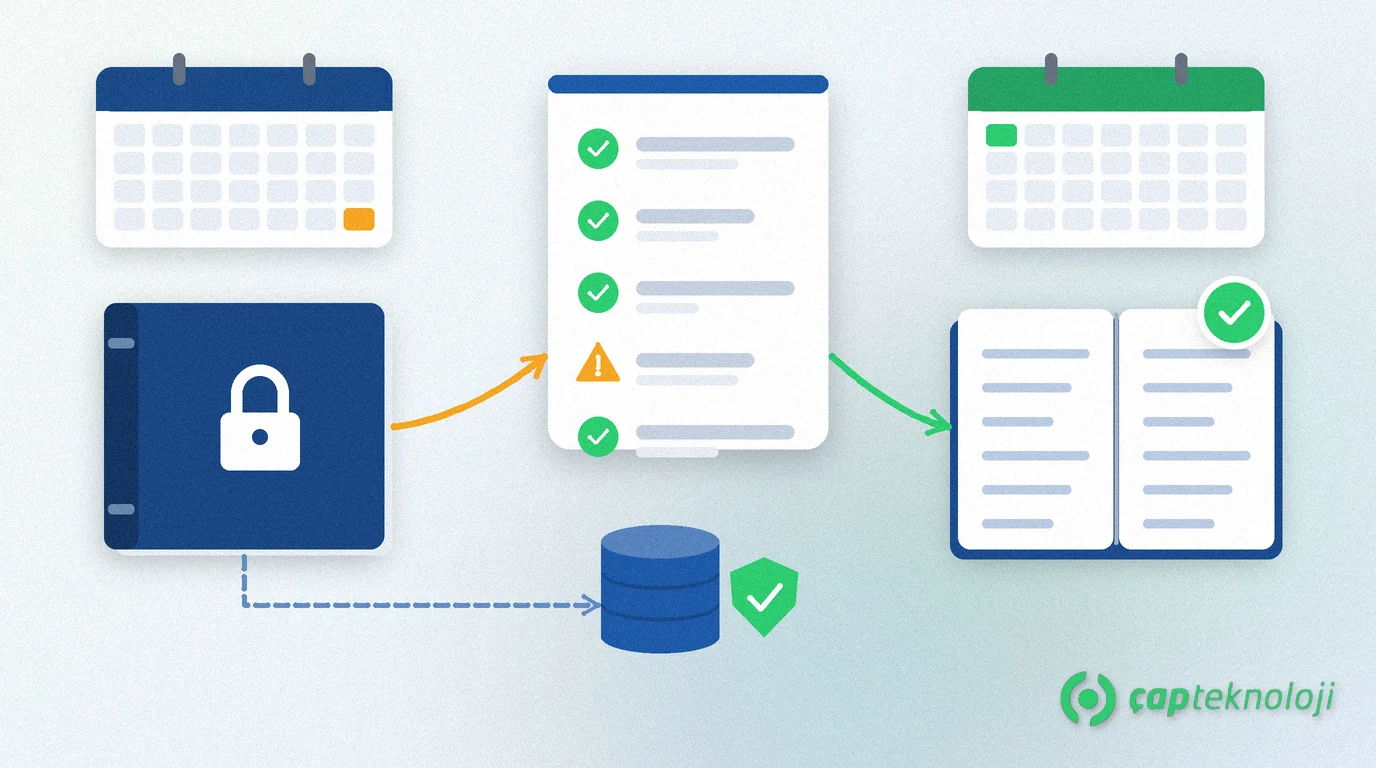
In short: Most mistakes in Logo year-end closing happen before anyone starts the transfer. Starting without a backup, leaving costing unfinished and carrying open documents means you begin the new year with wrong opening balances. This article covers the 7 most common mistakes, how to prevent each one and a checklist you can print and use.
As a Logo partner, we discuss the same questions with our clients at every year end. The points below come from what we see in our projects. The examples come from businesses running Logo Edge T-Series (formerly Logo Tiger 3); the logic is similar in other Logo products. If you are planning a version change, also read our Tiger 3 to Logo Edge T-Series migration guide, because keeping the migration out of the closing week makes life easier.
Contents
- What are Logo year-end closing and the period transfer?
- 7 mistakes in Logo year-end closing
- The closing calendar: who does what, and when?
- Logo year-end closing checklist
- What to check on the first day after the transfer
- Summary
What are Logo year-end closing and the period transfer?
Year-end closing means closing the accounts at the end of the fiscal year and carrying the balances into the new period as opening entries. In Logo this step is usually called the transfer (“devir”).
The transfer moves general ledger, customer and supplier accounts, stock, bank and cash balances into the new period. On the accounting side, the opening entry of the new period is the exact reverse of the closing entry of the old period, with equal amounts. For a transfer between periods, you open the new period and create its files first, then run the transfer.
Some Logo products also offer period-independent working. In that setup there is no customer or stock transfer; accounting continues with opening and closing entries. Confirm with your partner which setup your company uses before the transfer.
7 mistakes in Logo year-end closing
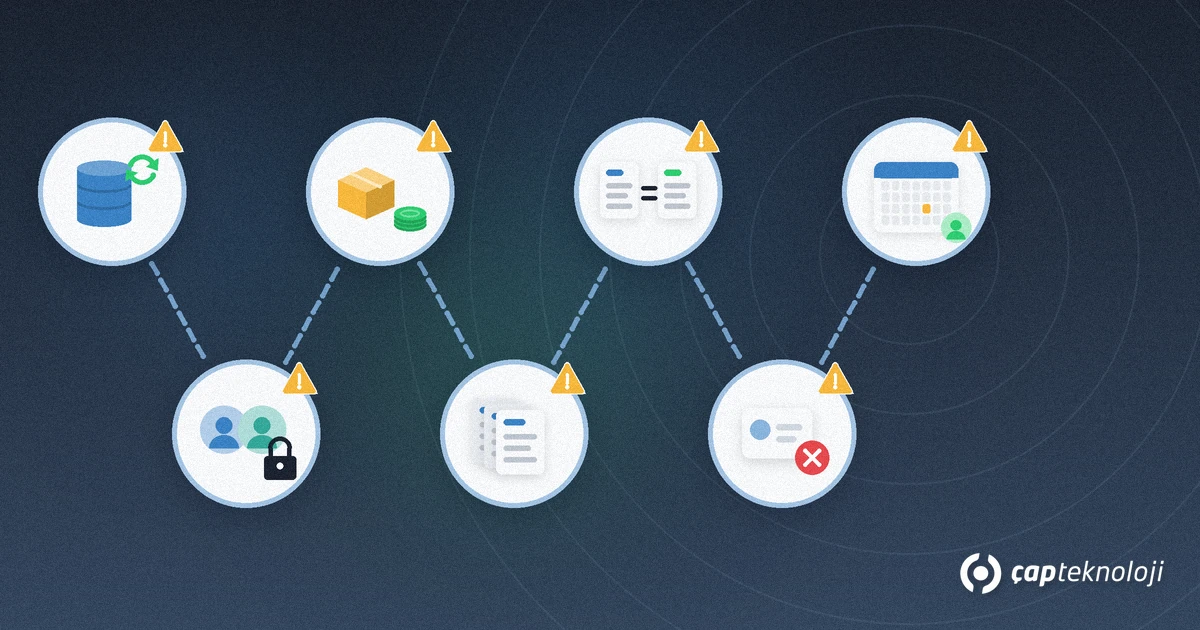
The table below summarises the mistakes, when they are noticed and how to prevent them. Details follow the table.
| Mistake | When it is noticed | Prevention |
|---|---|---|
| 1. Transfer without a backup | When the transfer stops halfway | Take a full backup and test the restore in a test environment. |
| 2. Users still working | When locks or missing records appear during the transfer | Stop users and integrations beforehand. |
| 3. Stock transfer before costing | In the first cost report of the new year | Finish costing and count differences first. |
| 4. Open documents | When missing or duplicate invoices appear in the new year | Review unbilled dispatch notes and open orders. |
| 5. Unreconciled balances | When opening balances do not match | Match customer, bank, cash and currency balances before the transfer. |
| 6. Deleting old cards | When prior-year reports break | Do not delete cards that had movements in the old period. |
| 7. Separate calendars | When e-Defter and closing land in the same week | Plan the Logo transfer together with your accountant’s calendar. |
1. Running the transfer without a backup and a restore test
The transfer writes many records into the database. If it stops halfway because of a power cut or a lost connection, the backup is the only place you can return to. Take a full backup right before the transfer, restore it into a test database and check that it opens. We explain a sound backup routine in our SQL Server backups article.
2. Starting the transfer while users and integrations are working
Nobody should work in the company during the transfer. Tell users in advance and close their sessions. The point most often missed is integrations: e-commerce, field sales or bank imports also write data. Stop them for the duration of the transfer.
3. Transferring stock before costing and the count are finished
The stock transfer calculates the opening unit cost of the new year. If last year’s costing is not complete, you start the new year with the wrong cost. Do the year-end count first, post the count differences, then run costing.
4. Carrying open documents into the new year
Unbilled dispatch notes, unfinished production orders and distribution orders should be reviewed before the transfer. Distribution order movements are not carried over, so close their status beforehand. Agree with your accountant which dispatch notes are invoiced in which year.
5. Transferring balances without reconciliation
If customer, bank and cash balances are transferred before they match the other side, the error moves into the new year too. Companies using foreign currency need one more check: cards whose local currency and reporting currency balances conflict (for example one debit, the other credit) are not transferred. Find and fix these cards before the transfer.
6. Deleting old cards in the new period
Cleaning out unused cards after moving to the new year is tempting. However, deleting a customer, stock or account card in the new period that had movements in the old period can corrupt last year’s data. Before any clean-up, agree with your partner which cards can be removed safely.
7. Planning the Logo transfer apart from the official closing calendar
The transfer in Logo, e-Defter (Turkish e-ledger) berat uploads and tax return periods affect each other. If you transfer before the year-end closing entries are final, corrections need work in two periods. For berat upload periods, read Logo’s article on e-Defter berat uploads (in Turkish), and confirm the current deadline with the GİB announcement and your accountant.
The closing calendar: who does what, and when?
Year-end closing is not a one-person job. In our projects this split works well:
- Accounting team: completes customer, bank and cash reconciliations and lists open documents.
- Warehouse and production: runs the count and closes open production and distribution orders.
- Accountant: approves the closing entries and shares the e-Defter and tax return calendar.
- IT or partner: takes the backup, tests the restore, stops integrations and runs the transfer.
With a large database the transfer can take longer. To measure the time in advance, try the transfer on a test database first. If the server feels slow, our SQL Server checklist for a slow Logo database will help.
Logo year-end closing checklist
Tick this list in order before transfer day:
- Open the new period and check that its files were created.
- Finish the year-end count and post the count differences.
- Run last year’s costing and check the result.
- List and close unbilled dispatch notes and open production and distribution orders.
- Complete customer, bank and cash reconciliations; fix cards with conflicting currency balances.
- Notify users, close sessions and stop integrations.
- Take a full backup and verify it by restoring it to a test environment.
- Run the pre-transfer checks and resolve each warning.
- Run the transfer and make sure nobody logs in until it finishes.
What to check on the first day after the transfer
- Is the opening entry equal in amount and opposite in direction to the closing entry?
- Do the opening balances of a few sample customers match their old-year closing balances?
- Do stock quantities match the count and unit costs match the cost report?
- Do bank and cash opening balances match the statements and the cash count?
- Are integrations writing into the new period?
If you find a difference, find the cause before you keep posting in the new period. The bigger the gap grows, the harder it is to fix.
Summary
Most problems in Logo year-end closing come from missing preparation. Test the backup, stop users and integrations, finish costing and the count, close open documents, reconcile balances, do not delete old cards and plan the transfer together with your accountant’s calendar. These seven steps let you start the new year with clean opening balances.
As a Logo partner, ÇAP Teknoloji plans the year-end transfer with you and runs the test transfer and backup check. Our SQL consulting team supports the database and backup side. Learn more on our ERP consulting page, or get in touch with us.
Frequently Asked Questions
Why should I take a backup before the transfer in Logo?
The transfer writes many records into the database. If it stops halfway, the only safe point to return to is a backup taken right before the transfer and tested by restoring it.
Can users keep working during the transfer?
No. Nobody should work in the company during the transfer. Close user sessions and also stop integrations that write data.
Why must costing be finished before the stock transfer?
The stock transfer calculates the opening unit cost of the new year. If last year’s costing and count differences are not complete, you start the new year with the wrong cost.
What if I need to post an entry to the old year after the transfer?
This can affect both the old and the new period. Before posting, agree with your accountant and your Logo partner how the opening balances will be updated.
How long does the transfer take in Logo?
It depends on the size of the database, the modules in use and the condition of the server. The most reliable way is to try the transfer on a test database first and measure the time.