


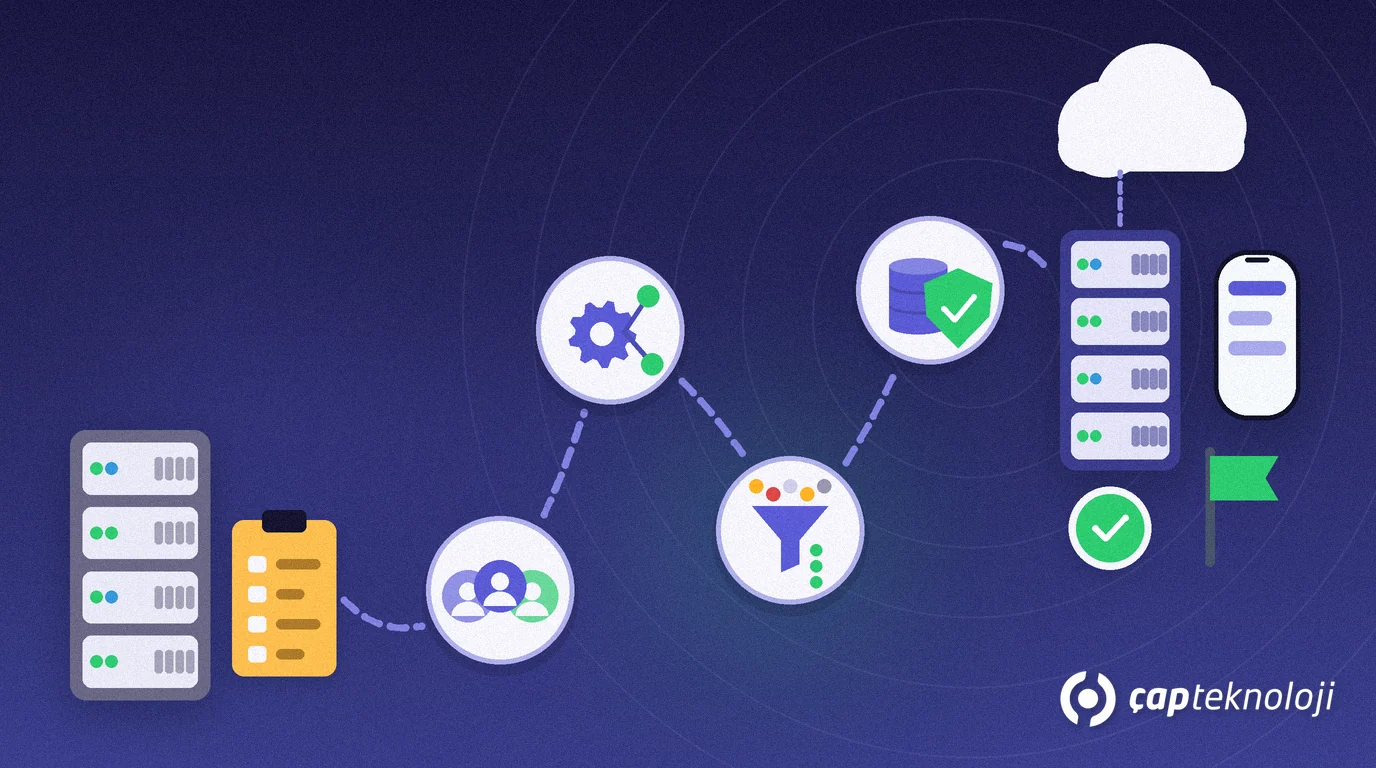
In short: Netsis 3 migration preparation means writing down your users, customisations, data and infrastructure before the Logo Edge N-Series project starts. Without it, quotes are incomplete and the test phase brings surprises. Work through five areas and close the checklist, and the migration becomes far more predictable.
What we see as a Logo partner is this: companies running Netsis 3 have built up customisations, external integrations and reports that nobody owns any more. Seeing them before you move to Logo Edge N-Series (formerly Logo Netsis 3) is the only way to estimate time and cost properly. If you have not yet decided between T-Series and N-Series, start with our article Logo Edge T-Series vs N-Series.
Contents
- What changes when you move from Netsis 3 to Logo Edge N-Series?
- Step 1: Who uses what today, and from where?
- Step 2: NetOpenX customisations and integrations
- Step 3: Clean the data before you move it
- Step 4: Server, database and backup
- Step 5: Team, timing and e-invoicing
- Netsis 3 migration preparation checklist
- Summary
What changes when you move from Netsis 3 to Logo Edge N-Series?
Logo Edge N-Series is a hybrid ERP solution that runs finance, production, sales and purchasing together on your own server (on premises), supported by cloud services. The business logic on screen will feel familiar to Netsis users. The differences that affect your preparation are in installation, licensing and users. The table below is compiled from Logo’s N-Series product page and the Logo Edge N-Series Standard price list document (both in Turkish).
| Topic | In Logo Edge N-Series | What to prepare |
|---|---|---|
| Installation | Installation starts from Logo Base; applications are reached with single sign-on. | Decide which server it runs on and who installs it. |
| Licensing | No product key; the licence is synchronised on first use and monitored through the PaaS Agent. | Agree internet access for the server with your IT team. |
| Users | Users are named users identified by a Logo ID; a user signs in from one environment (desktop, web or mobile) at a time. | Prepare a per-person user list with email addresses. |
| Customisation | NetOpenX and REST applications are licensed by concurrent users. | Count your integrations as a separate list. |
| Access | Web access runs through Logo Edge Wings with a secure-access setup; Logo Edge Mobil is also available. | Agree in advance who will connect from outside. |
| Usage model | The subscription is valid for one year; if it is not renewed, access stops. | Put the renewal date and an owner in the calendar. |
Pricing depends on the number of users and modules; ask your partner for a current quote. An accurate quote, however, is only possible after the preparation below.
Step 1: Who uses what today, and from where?
Start by writing down how you use Netsis 3 today, per person and per module. Look at real usage, not the licence list.
- Users: Name, department, modules used and the email address that will become the Logo ID.
- Environment: Who works only in the office, and who connects from the field or from home? This is where web and mobile needs show up.
- Companies and branches: How many companies and branches are set up, and which are still active?
- Modules: Which add-on modules such as production, MRP, foreign trade or e-invoicing do you actually use?
Removing inactive users and unused modules at this stage simplifies the new licence plan and reduces the amount of testing.
Step 2: NetOpenX customisations and integrations
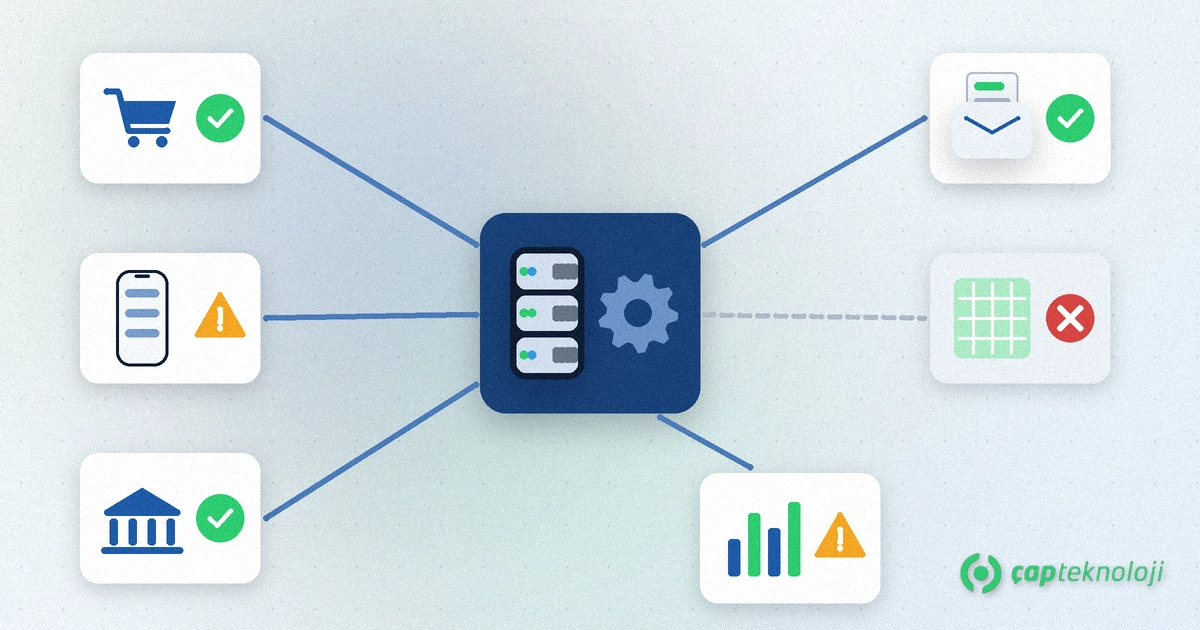
Customisations take the most time in Netsis 3 projects. An order import written with NetOpenX, a bank integration or a custom screen has to be tested one by one in the new environment. So open one line for each customisation:
- What does it do? Describe its business purpose in one sentence.
- Who uses it, and how often? Do not migrate a customisation nobody uses.
- Who wrote it, and where is the source code? A customisation without source code is the biggest migration risk.
- Which systems does it talk to? Online shop, field sales app, bank, e-document service provider, Excel imports.
- Can a standard feature replace it? A function that is standard in the new product can make the customisation unnecessary.
Remember that NetOpenX and REST connections are licensed by concurrent users. Knowing how many integrations run at the same time is part of a correct licence plan.
Step 3: Clean the data before you move it
Dirty data stays dirty in a new system. Cleaning before the move makes both the transfer and the checks afterwards easier.
- Customer and supplier accounts: Duplicate accounts for the same company, missing tax numbers, accounts with no activity for years.
- Item cards: Unused codes, inconsistent units, items whose cost looks wrong.
- Open items: Orders, delivery notes and balances that should be closed but are still open.
- Old periods: Agree with your accountant which years move across and which stay in a read-only archive.
If you clean up in the live system, take a backup first and write down who closes which records.
Step 4: Server, database and backup
Logo Edge N-Series runs on your own server, so the server, database and backups remain your responsibility. According to the price list, the database licence is not included in the price, and current versions of Microsoft SQL Server and Oracle are supported.
- Ask your partner for the current system requirements in writing and assess your server against them.
- If your database version is old, plan the upgrade as a separate task.
- Set aside a separate server or virtual machine for testing; migration trials never run on the live database.
- Take a full backup and restore it on another machine. Do not trust a go-live date until you have seen the backup open.
We explain how to set backup targets in our article on SQL Server backups and RPO/RTO. If you need help on the database side, see our SQL consulting page.
Step 5: Team, timing and e-invoicing
Treating the migration as a purely technical job is a common mistake. The project owner should sit on the business side.
- Project owner: Someone who can make decisions and set priorities across departments.
- Key users: One person each from accounting, sales, purchasing, warehouse and, if relevant, production. Testing and training run through them.
- Timing: Do not schedule go-live on busy days such as month end or period closing.
- e-Transformation: If you use e-invoice, e-archive, e-dispatch or e-ledger, list the series, numbering and service provider connections. Confirm current regulatory rules with the Turkish Revenue Administration (GİB) announcements and your accountant.
- Training: Logo states that product training is delivered by certified partners; plan it before the pilot.
Once preparation is done, the migration itself follows a step plan. We described those steps in detail in our article on the Tiger 3 to Logo Edge T-Series migration; the logic of backup, test environment, data checks and pilot is the same for N-Series.
Netsis 3 migration preparation checklist
- Is the user list ready with person, department, modules and email address?
- Do you know which users need web or mobile access?
- Does every NetOpenX customisation and integration have an owner, source and test method?
- Have unused modules and inactive users been removed?
- Have duplicate and faulty customer and item cards been cleaned?
- Have you agreed with your accountant which periods move across?
- Have you received the system requirements and assessed server and database against them?
- Has a full backup been taken and restored on another machine?
- Are the project owner, key users and go-live date set?
- Are e-document series, numbering and service provider details listed?
Summary
Netsis 3 migration preparation covers five areas: usage inventory, customisation and integration list, data cleansing, infrastructure and backup, and team and timing. Requesting quotes and setting dates before these are closed means running the project on guesswork. Once preparation is complete, both your licence plan and your test scope are clear.
At ÇAP Teknoloji we work with you on your Netsis 3 inventory, customisation list and migration plan. Read more on our ERP consulting page or contact us.
Frequently Asked Questions
How long does Netsis 3 migration preparation take?
It depends on your number of users, customisations and integrations, and on how clean your data is. That is why you build the inventory first; time and cost estimates only become realistic after it.
Will our NetOpenX customisations work after moving to Logo Edge N-Series?
You only know by testing. List the owner, source code and connected systems of every customisation, then run each one in the test environment. Also allow for the fact that NetOpenX and REST applications are licensed by concurrent users.
Does Logo Edge N-Series need a product key?
According to Logo’s product page, no product key is needed. The licence is synchronised on first use and monitored through the PaaS Agent, so plan internet access for the server in advance.
Is the database licence included in the Logo Edge N-Series price?
According to the Logo Edge N-Series Standard price list, the database cost is not included. Current versions of Microsoft SQL Server and Oracle are supported; confirm your needs with your partner.
When is the best time to migrate?
Choose a quiet start of a period, away from busy days such as month end or period closing. Set the date together with your accountant because of legal obligations.