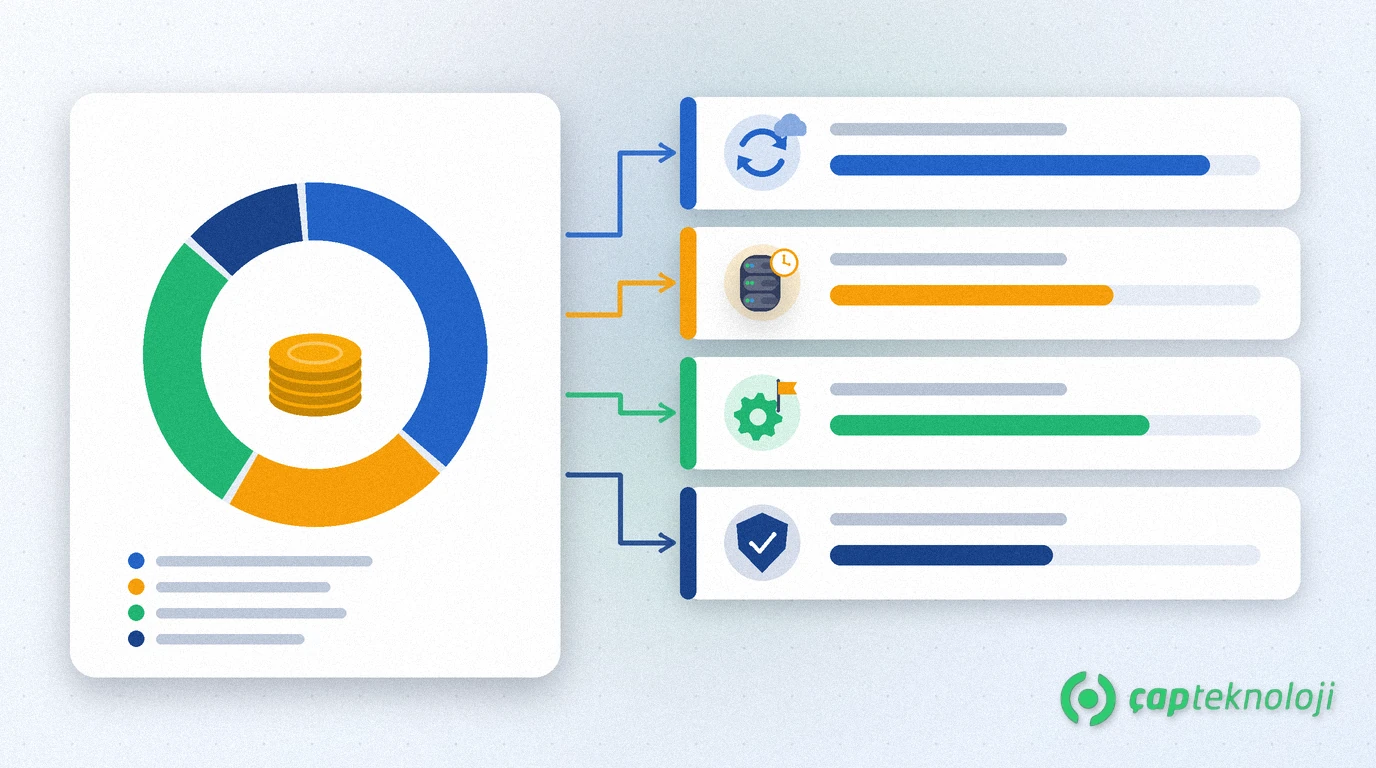
In short: An IT budget is the line-by-line plan of what a business will spend in one year on hardware, software licences, cloud, connectivity, security, support and IT projects. A good IT budget starts from an inventory, separates running costs from projects, puts licence renewals and end-of-support dates on a calendar and keeps a reserve for unexpected failures.
In many SMEs IT spending is scattered across the year: one subscription is charged to a credit card, a failed server disk triggers an emergency purchase, a licence renewal invoice arrives at month end. At year end management cannot clearly answer “what did we spend on IT?” and plans the next year on guesswork. The weeks when next year’s budget is discussed are the right moment to turn IT costs into an orderly plan.
Contents
- What is an IT budget?
- Running costs and projects
- An IT budget in 7 steps
- Tracking during the year
- Common mistakes
- Summary and checklist
What is an IT budget and what does it cover?
An IT budget is the yearly plan of all spending needed to keep information technology running and to deliver planned improvements, with an owner and a timing for each item.
Make sure none of these headings is missing:
- Hardware: servers, computers, network devices, printers, backup disks and spare parts.
- Software licences and subscriptions: ERP, office and e-mail suites, antivirus, database licences.
- Cloud and hosting: rented servers, storage, domain and SSL renewals.
- Connectivity: internet lines, a backup line and links between branches.
- Security and business continuity: backup, firewall, multi-factor authentication, tests.
- Support and services: in-house IT staff, external support contracts, consulting and training.
- Projects: new system rollouts, version upgrades, migrations.
Running costs or projects? Split your IT budget in two
The easiest way to make the budget readable is to separate the cost of running today’s systems from change projects. That also makes visible how much new work you are actually doing this year.
| Part | Examples | How to plan it | Watch out for |
|---|---|---|---|
| Running costs | Subscriptions, support contracts, internet lines, maintenance | From last year’s actual invoices and contract dates | User numbers and exchange rate effects |
| Replacements | Hardware out of warranty, software reaching end of support | From age, warranty and end-of-support dates in the inventory | Not piling everything into one year |
| Change projects | New ERP module, cloud migration, reporting project | From business goal, scope and quote, in order of priority | New running costs created after go-live |
| Reserve | Unexpected failure, urgent security need | From your unplanned spending in previous years | Who decides how the reserve is used |
Also map the table to the accounting split between capital expenditure (such as buying hardware) and operating expenses (such as subscriptions), and review with your accountant how buying versus subscribing affects tax and cash flow.
How to build an IT budget in 7 steps
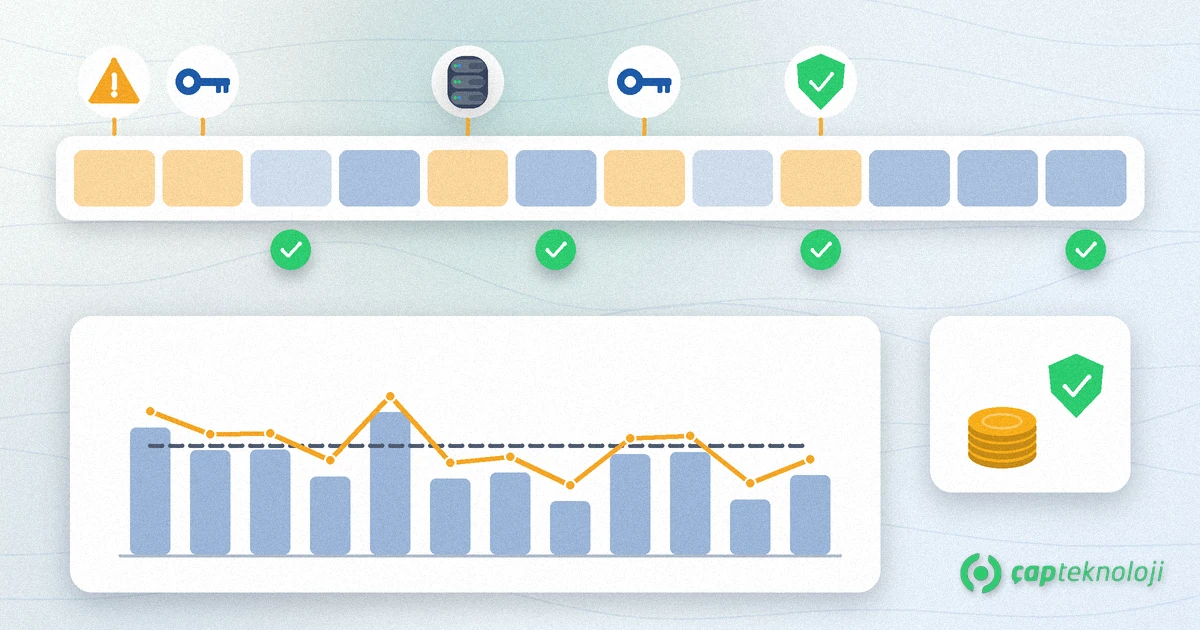
1. Take an inventory
List every device, licence and subscription with quantity, purchase date, warranty end and owner. If your inventory is out of date, the steps in our IT infrastructure audit guide are a good starting point.
2. Collect last year’s actual spending
Bring invoices, credit card statements and subscriptions bought by departments into one sheet. Note next to each item what it is for and who approved it; subscriptions without an owner are usually the first place to save.
3. Build a licence and subscription calendar
Place renewal dates on the months they fall in. Compare user counts with real needs and reclaim licences of people who have left. For licences priced in foreign currency, set an exchange rate assumption and review it during the year.
4. Check end-of-support dates
Software that no longer receives security updates from the vendor means a replacement line in the budget. For example, according to Microsoft’s Windows Server 2016 lifecycle page, extended support for this version ends on 12 January 2027. Extended support for SQL Server 2016 ended on 14 July 2026; the page lists paid Extended Security Updates (ESU) periods. For the migration itself, see our SQL Server upgrade guide.
5. Plan hardware replacement
Rank critical servers and network devices by warranty end and failure history. Spread computer replacement over several years where possible, so no single year carries a large peak.
6. Give security and business continuity their own line
Backup, restore tests and access security should not be an “if money is left” item. Tie these lines to the targets in your disaster recovery plan.
7. Prioritise projects and keep a reserve
Rank each project by business benefit, risk and urgency, and add the new subscription and support costs it creates after go-live. Size the reserve from your unplanned spending in previous years.
How do you track the IT budget during the year?
A budget that is prepared and then shelved does not help. A simple routine is enough:
- Monthly: record actual spending against the plan and note the reason for any deviation.
- Quarterly: update the forecast for changes in exchange rates, user numbers and the project schedule.
- At year end: list the unplanned spending and size next year’s reserve from that list.
If you are considering buying some work in, compare in-house and service costs in the same sheet. Our article on IT outsourcing for SMEs can guide that decision.
Common mistakes when building an IT budget
- Copying last year’s figure: systems reaching end of support and new users stay invisible.
- Forgetting subscriptions: accounts opened by departments never reach the total.
- Ignoring post-project costs: licence, support and training for a new system surprise you in later years.
- Putting security last: backups and updates are the basis for avoiding the most expensive incidents.
- No owners: without an owner per item, neither renewal dates nor deviations get tracked.
Summary and IT budget checklist
- Is the inventory current and does every item have an owner?
- Is all of last year’s IT spending in one sheet?
- Are licence renewals and end-of-support dates on the calendar?
- Are running costs, replacements and projects separated?
- Do security and backup have their own line?
- Are a reserve and a monthly tracking routine defined?
Put simply, a good IT budget turns surprise spending into planned decisions. At ÇAP Teknoloji we can build your inventory with you, prepare your end-of-support and renewal calendar and help you prioritise projects as part of our management consulting; reach us via our contact page.
Frequently Asked Questions
What should an IT budget include?
Hardware, software licences and subscriptions, cloud and hosting, internet connectivity, security and backup, support and consulting services, and the IT projects planned for the year. A separate reserve for unexpected failures belongs in it as well.
When should an IT budget be prepared?
Together with the company’s overall budget calendar, before the new financial year starts. If licence renewals or end-of-support dates fall early in the year, allow time for the decision and the purchase.
How does end of support affect the IT budget?
Software that no longer receives security updates from the vendor carries risk and needs a replacement or migration line. For example, according to Microsoft’s lifecycle page extended support for Windows Server 2016 ends on 12 January 2027, so businesses running it should budget for the move.
How large should the reserve in an IT budget be?
There is no rate that fits everyone. List your unplanned IT spending from previous years and size the reserve from those amounts. Also write down in advance when the reserve may be used and who approves it.