



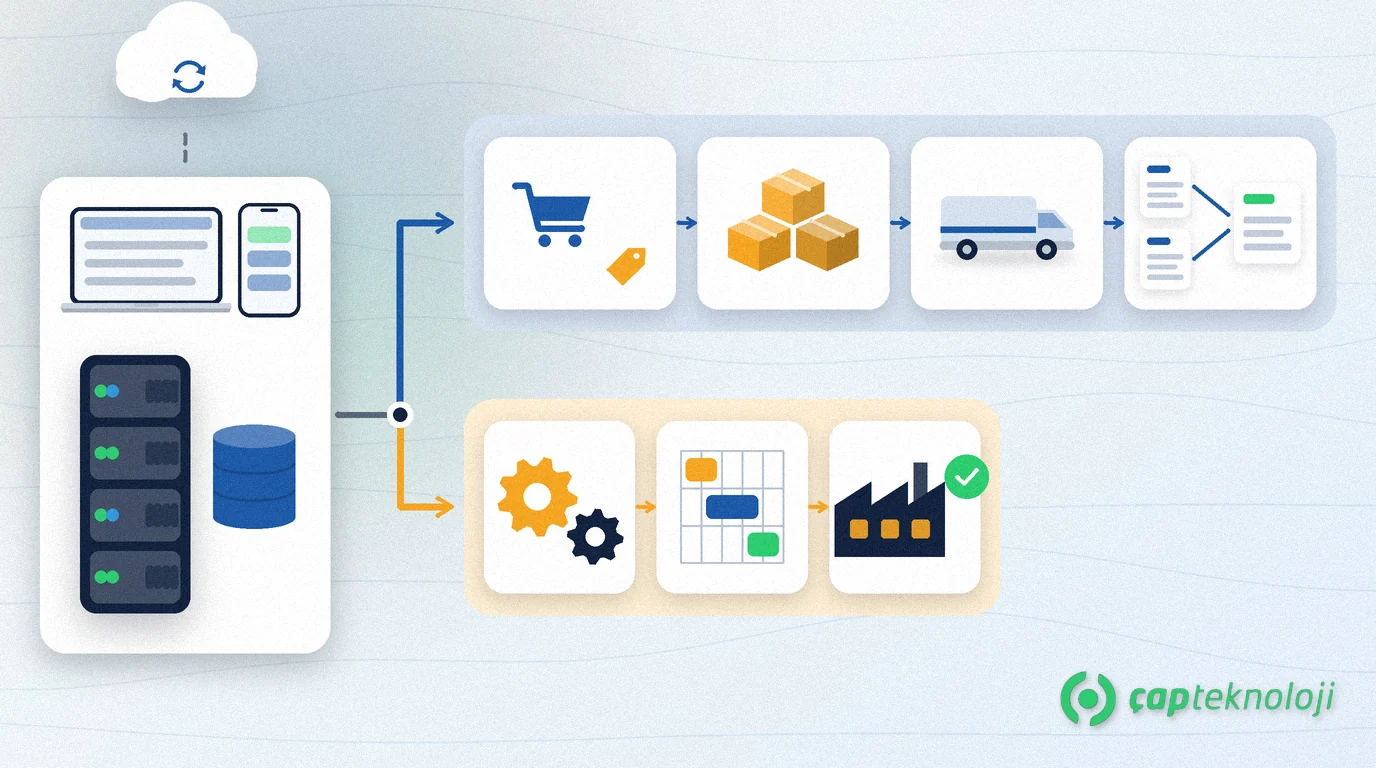
In short: Logo Edge T-Series (formerly Logo Tiger 3) and Logo Edge N-Series (formerly Logo Netsis 3) are two on-premise ERP families under the same Logo Edge umbrella. In the Logo Edge T-Series vs N-Series decision, T-Series is usually the natural fit for trading, distribution and finance-driven companies, while N-Series suits businesses that need detailed manufacturing functions such as MRP, cost accounting and machine maintenance. The final answer comes from your own process list and the Logo product you run today, not from a feature table.
Logo has brought its on-premise ERP products together in a new product family called Logo Edge. Since the names changed, many comparisons mix old and new product names. As a Logo business partner, ÇAP Teknoloji hears one question more than any other in these projects: “Which one fits us?” This article compares the two series based on Logo’s own package lists and walks you through the questions that make the decision easier.
Contents
- What are Logo Edge T-Series and N-Series?
- What differs in the packages?
- Which one fits which business?
- If you use Tiger 3 or Netsis 3 today
- What drives the cost?
- Checklist before you decide
- Summary
What are Logo Edge T-Series and N-Series?
Logo Edge is Logo Software’s hybrid product family that combines ERP installed on your own servers (on-premise) with cloud services.
Logo Edge T-Series continues the Logo Tiger product line. Logo’s T-Series product page highlights managing accounting, finance, sales, stock and procurement on one platform. Logo Edge N-Series continues the Netsis line; its N-Series product page emphasises centralising finance, production, sales and purchasing, together with production and quality control.
Both series come in Basic, Standard and Enterprise packages, and they share a lot: installation runs through Logo Base, licences are managed centrally, and the ERP can be used in a web browser and through the Logo Edge Mobile app. Collecting supplier quotes online and creating reports by asking questions in natural language appear on both product pages.
Logo Edge T-Series vs N-Series: what differs in the packages?
The table below is compiled from the package lists on Logo’s two product pages (October 2026). Modules marked with an asterisk are optional and paid in Logo’s list.
| Topic | Logo Edge T-Series | Logo Edge N-Series |
|---|---|---|
| Previous product line | Logo Tiger | Logo Netsis |
| Packages | Basic, Standard, Enterprise | Basic, Standard, Enterprise |
| Manufacturing | Quick production / production: included in Standard and Enterprise, paid in Basic | Production* in all packages; MRP*, cost accounting* and machine maintenance* in Standard and Enterprise; advanced production planning* in Enterprise only |
| Trade and finance | Distribution management, quotation management, configuration management and financial consolidation in Standard and Enterprise; retail* in all packages | Fixed assets and POS cash register transfer in all packages |
| Development and integration | Objects* and Objects Designer* (Standard, Enterprise) | NetOpenX* (Standard, Enterprise) |
| e-Transformation and finance options | Turkish e-invoice (e-Fatura)*, e-archive invoice*, e-waybill*, e-ledger*, online bank statement*, Logo e-Tahsilat* | The same e-transformation modules*, online bank statement*, Logo e-Tahsilat* |
| Foreign trade and users | e-export / foreign trade*, additional users* | Foreign trade*, additional users* |
The key takeaway: T-Series has manufacturing too. The difference shows when production has to be planned in detail. A module being on the list also does not mean it matches your workflow one to one. Package contents can change, so check the current list again when you request a quote.
Which one fits which business?
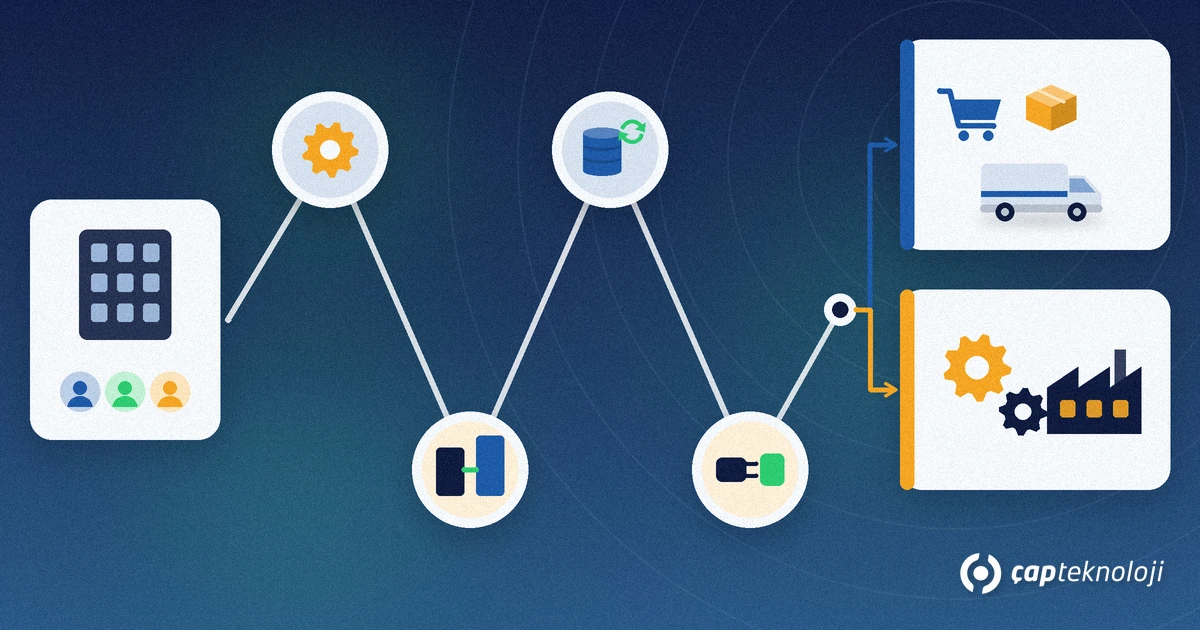
In our projects, four situations decide most cases:
- Trading, wholesale distribution and retail: if sales, stock, shipping and finance are the core of your business, T-Series is the natural candidate. Distribution management and the retail option are listed in this series.
- Several companies and consolidation: financial consolidation is listed in the T-Series Standard and Enterprise packages. If you consider N-Series, ask separately how this need will be covered.
- Simple manufacturing: if you produce by bill of materials or assemble products, the production scope included in T-Series may be enough. Test it in a demo with your own product structure.
- Manufacturing-driven companies: if material requirements planning (MRP), cost accounting, machine maintenance and quality control are part of your daily work, the N-Series module set fits better. Our article on ERP in manufacturing explains what to expect.
If you are also comparing Logo with other ERP vendors, our Logo, SAP, Dynamics and NetSuite comparison gives the wider picture.
If you use Tiger 3 or Netsis 3 today
Your current product already answers much of the question. For a Tiger user, T-Series means staying in the same family; for a Netsis user, N-Series does. From what we see in our projects, staying in the same family makes it easier to carry over data and keep user habits.
Switching families is a separate project. The chart of accounts, customer and item cards, open balances, reports and custom screens all need to be reworked. Choose this path only if your current product clearly holds your business back.
List your integrations as well. Connections to e-commerce, field sales, banks and custom reports may be built on Objects, NetOpenX or directly on the database. How they were built determines the testing effort during the move. Also ask your partner to confirm in writing how long your current version is supported and what the upgrade terms are.
Because both series run on-premise, the database server, backups and performance are managed in your own infrastructure. In our projects this usually means Microsoft SQL Server; our SQL consulting team can help you plan the server and backups.
What drives the cost?
Logo Edge licence fees depend on the number of users and the modules you choose, so ask for a quote to get current figures. To build a realistic budget, consider these items together:
- Package level: Basic, Standard or Enterprise
- Number of users and additional users you will need later
- Optional modules such as e-invoicing, production, MRP, retail and foreign trade
- Server, database licence and backup infrastructure
- Customisation, data migration and user training
- Updates and support services
We cover the general factors behind ERP budgets in our article How much does ERP cost for SMEs?
Checklist before you decide
- Write down your core processes: sales, purchasing, stock, shipping, production, finance.
- If you manufacture, define the depth: is a bill of materials enough, or do you need MRP and cost accounting?
- Clarify your company structure: a single company or a group that needs consolidation?
- Note the Logo product and version you use today.
- List all integrations and custom reports.
- Write down your user count and expected growth over the next two years.
- Ask for a demo with your own data and try your three most critical processes on screen.
- Ask for a quote that lists packages, modules, users and services separately.
Summary
Logo Edge T-Series and N-Series share the same foundation; the difference lies in the processes their packages emphasise. Start with T-Series if trading, distribution and consolidation drive your business, and with N-Series if you need detailed production planning and cost tracking. Your current product often settles the choice.
ÇAP Teknoloji‘s ERP consulting team maps your processes with you, helps you assess both series with your own data and plans the move. Get in touch.
Frequently Asked Questions
What is the new name of Logo Tiger 3?
In the Logo Edge family, the Tiger product line continues as Logo Edge T-Series, offered in Basic, Standard and Enterprise packages. Your partner can tell you which package your current licence corresponds to.
Does Logo Edge T-Series include manufacturing?
Yes. According to Logo’s package list, quick production / production is included in Standard and Enterprise and is paid in Basic. Modules such as MRP, cost accounting and advanced production planning are listed for N-Series.
Can I move from Tiger 3 to N-Series?
Moving to a different product family is a larger project than staying in the same family. A pre-analysis shows which data can be migrated and how reports and integrations will be rebuilt. Consider it only if your current product clearly holds your business back.
How much do Logo Edge T-Series and N-Series cost?
Pricing depends on the number of users and the modules you choose. Ask for a quote that lists packages, modules, users and services separately to get current figures.
Does Logo Edge run in the cloud?
T-Series and N-Series are installed on your own servers in a hybrid setup supported by cloud services, and they can also be used in a web browser and the Logo Edge Mobile app. If you want a fully cloud-based solution, look at Logo Cloud products separately.
