



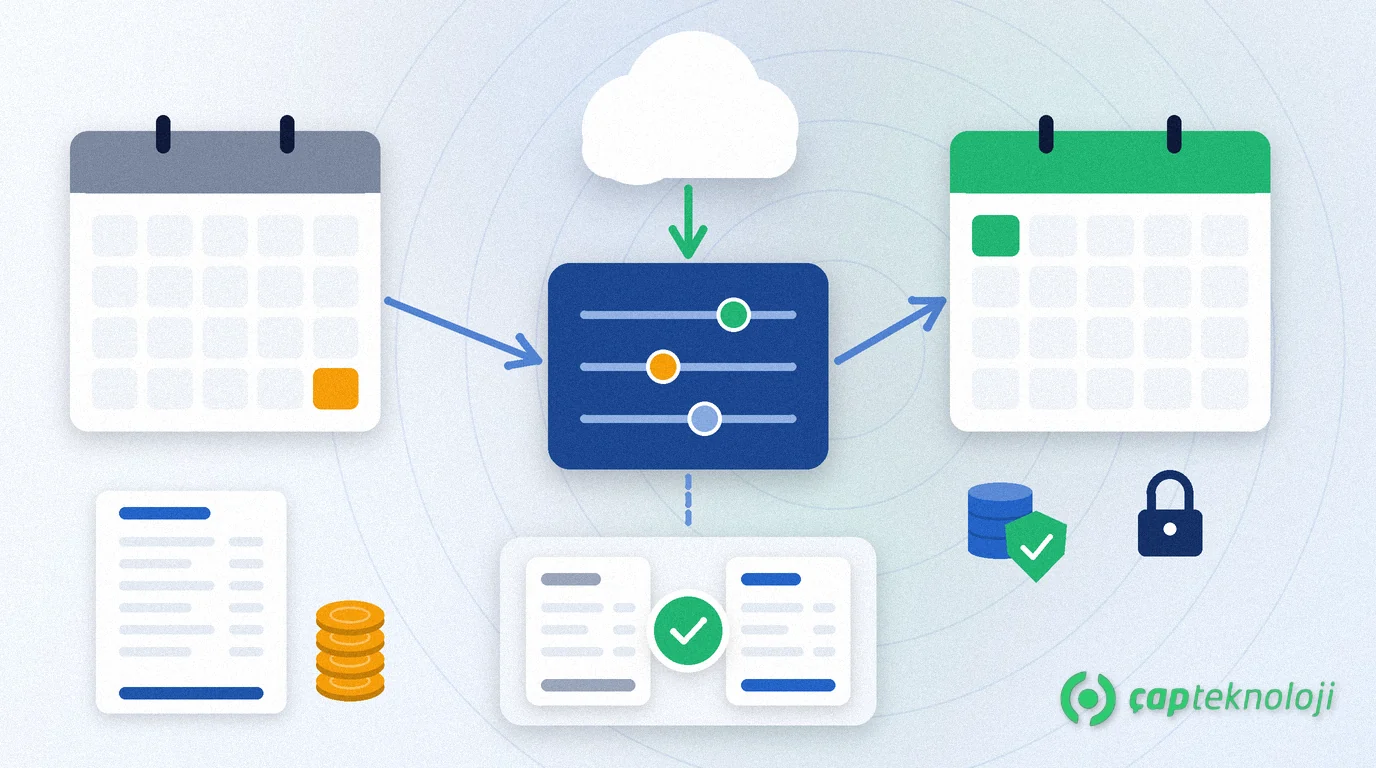
In short: A Bordro Plus year-end checklist helps you close the December payroll cleanly, update the new year’s parameters and verify them with a test payroll, and finish the calendar, leave, incentive, backup and access checks before the January run. Logo Bordro Plus receives updates through its own services. Checking that those values reach your employees correctly is still your job.
As a Logo partner we see that year-end payroll errors rarely come from the software but from the wrong order of steps. Calculating before December is closed, updating without a backup or skipping the incentive and deduction cards leads to correction runs in January. This guide is for HR and payroll teams using Logo Bordro Plus, the payroll product of the Turkish ERP vendor Logo. For accounting, see our article on Logo year-end closing mistakes.
Contents
- Why does Bordro Plus need its own year-end check?
- Before you close the December payroll
- New-year payroll parameters: receive the update, then verify it
- The first payroll of the new year: calendar, leave and tax base
- Incentives, pension auto-enrolment and special deductions
- Accounting integration and return checks
- Backup, test environment and user access
- Bordro Plus year-end checklist
- Summary
Why does Bordro Plus need its own year-end check?
Logo Bordro Plus is an on-premises payroll solution that brings payroll, leave, advances and timesheets together on one platform. According to Logo’s product page (in Turkish), it sends social security (SGK) notifications, emails encrypted payslips, simulates salary changes and handles pension auto-enrolment and deductions. Almost all of this is affected at year-end:
- Statutory parameters change: values such as the minimum wage, the lower and upper limits of the SGK contribution base, income tax brackets, tax exemptions and the severance pay ceiling.
- The cumulative income tax base starts from zero in the new year, so the tax deduction in January looks different from December.
- Leave entitlements and the company calendar move into the new year.
- Incentives, pension contributions and special deductions (wage garnishments, alimony, advance instalments) must keep working correctly.
We give no amounts, rates or dates here. Confirm current values with the announcements of the Social Security Institution (SGK) and the Turkish Revenue Administration (GİB), and with your accountant.
Before you close the December payroll
Close the old year before you switch settings. If December is calculated with the new values, the annual totals no longer match the returns.
- Complete the timesheets: Are overtime, missing days and leave for December entered? If you import timesheets from a spreadsheet, compare the number of imported rows with the source file.
- Separate year-end payments: Decide in which period bonuses or premiums are paid. Logo states that an interim period lets you make several payments within the same payroll period.
- Check advances and loan balances: Are the remaining balances of advances and instalments correct? List the instalments that carry over into the new year.
- Close the leavers: Are exit notifications and final payslips complete for everyone who left during the year?
- Set a rule after approval: Write down who may correct the approved December payroll, and with whose approval.
New-year payroll parameters: receive the update, then verify it
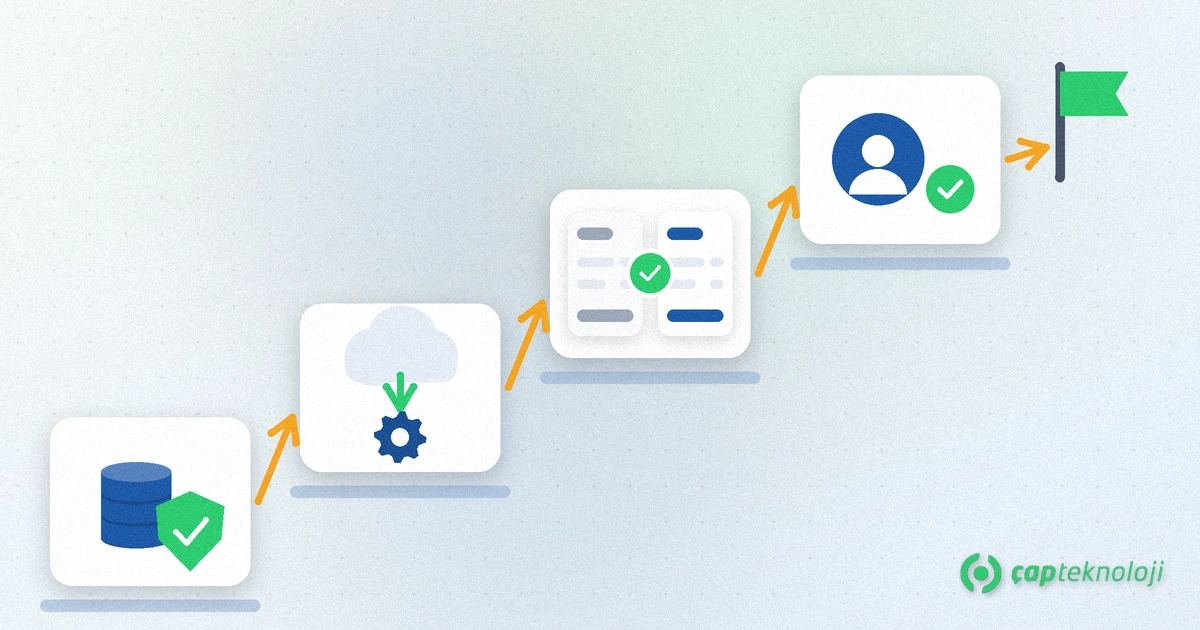
According to the FAQ on Logo’s product page, values that change during the year, such as the minimum wage and the severance pay ceiling, are received automatically through services inside Bordro Plus. That is half the job. The other half is checking that it reaches your company correctly:
- Back up first: Take a full backup of the payroll database before you receive the update.
- Receive the update and note it: Record when the update was received and by whom.
- Compare with the announcements: Check the new values one by one against SGK and GİB announcements, then with your accountant.
- Run a test payroll: Ideally in a test environment restored from the backup, pick a few sample employees: one on the minimum wage, one close to the ceiling, one with an incentive and one who started mid-month. Calculate January as a trial and compare it with a manual calculation.
- Get sign-off: Let the HR lead and your accountant approve the results together. Only then run the real payroll.
Logo states that time-stamped records support retroactive reporting, so watch the effective date of every change: a new-year value must not flow into last year’s payroll.
The first payroll of the new year: calendar, leave and tax base
January is the test of your preparation. Check four things before you calculate:
- Company calendar: Are the public holidays and weekly rest days of the new year correct? Logo states that leave usage can be calculated from working hours and the company calendar. A wrong calendar means wrong leave days.
- Annual leave: Do new entitlements and leave carried over from last year look right? Compare a few employees with HR’s leave list.
- Cumulative tax base: Check that the cumulative income tax base starts from zero in January. If you see a value carried over from December, stop and investigate.
- Salary changes: Before New Year raises, the salary simulation module shows the budget impact. Once raises are final, enter the new salaries against an approved list and check them with sample employees.
Incentives, pension auto-enrolment and special deductions
According to Logo, Bordro Plus can calculate employment incentives such as R&D, technology park (Teknokent) and Law No. 5510 incentives. At year-end the problem is usually not the incentive itself but a change in an employee’s eligibility.
- List which employee benefits from which incentive. Check with your accountant whether any has expired or whose conditions have changed.
- For employees in the private pension auto-enrolment scheme (BES), check that contributions appear correctly in the first payroll of the year. Review the contract status of people who joined during the year.
- Are amounts and order of special deductions such as wage garnishments and alimony still valid? Stop deductions for closed cases.
Accounting integration and return checks
If the payroll accrual is posted wrongly, the problem shows up in the trial balance, not in the payroll. Logo states that payroll and loan transactions can be posted through the GO 3, Tiger 3 and Tiger 3 Enterprise integrations. Tiger 3 is now called Logo Edge T-Series.
- Do not transfer new-year payroll vouchers before the new fiscal period is open in the ERP.
- Compare gross pay, SGK contributions and tax totals on the December accrual voucher with the payroll summary.
- Check with your accountant that the totals on the monthly withholding and social security return (muhtasar ve prim hizmet beyannamesi) match the payroll.
- If cost centres or account codes changed for the new year, update the payroll’s accounting links accordingly.
Backup, test environment and user access
Payroll data is among the most sensitive data in a company. Salaries, bank accounts and ID details are personal data, and health information such as sick notes counts as special-category personal data under Turkey’s data protection law, KVKK. Year-end is a good time to review its protection.
- Backup and restore: Take a full backup after closing December and before the update. Make sure it opens on another machine. We explain how to set backup targets in our article on SQL Server backups.
- Users: Who has access to the payroll software? Remove access for people who left or changed roles.
- Payslip delivery: If payslips go out by encrypted email, check that employee addresses are current. A payslip sent to the wrong address puts personal data in unauthorised hands.
- Exported files: Delete payroll lists exported to Excel during the year that you no longer need.
If you need help with database maintenance and backups, see our SQL consulting page.
Bordro Plus year-end checklist
- Are December timesheets complete and imported rows checked against the source?
- Is the period for bonuses and other year-end payments decided?
- Are advances, instalments and leavers closed?
- Is the December payroll approved, with a written rule for later corrections?
- Was a full backup taken and restored before the update?
- Are new-year parameters verified against SGK and GİB announcements and with your accountant?
- Was a test payroll run with sample employees and signed off?
- Were the company calendar, leave entitlements and cumulative tax base checked in January?
- Were incentive, pension and special deduction cards reviewed?
- Does the accrual voucher match the payroll summary and the return?
- Are payroll users and employee email addresses up to date?
Summary
A Bordro Plus year-end has three steps: close the old year cleanly, receive and verify the new values, and run the first payroll under control. The software brings the update; verification, testing and sign-off are up to your team and your accountant. Keep this order and you avoid correction runs in January.
At ÇAP Teknoloji we plan your Logo Bordro Plus year-end, backup and test steps together with you. Read more on our ERP consulting page or contact us.
Frequently Asked Questions
Does Logo Bordro Plus update the new year’s parameters by itself?
According to Logo’s product page, values such as the minimum wage and the severance pay ceiling are received automatically through services inside Bordro Plus. Still compare them with SGK and GİB announcements and with your accountant, and verify them with a test payroll.
Why is the tax deduction in January different from December?
The cumulative income tax base starts from zero at the beginning of the year, so the deduction can differ even for the same gross pay. The new year’s brackets and exemptions also affect the result; check the difference with sample employees.
How do I pay a year-end bonus as a separate payment?
Logo states that payroll periods can be defined to fit the company and that an interim period allows several payments within the same payroll period. Decide with your accountant which period the payment belongs to.
Why should I take a backup before the year-end update?
A calculation with a wrong parameter or an unexpected update problem can cause changes that are hard to undo. A full backup with a restore tested on another machine lets you return to the clean state at the end of December.
Who should handle the Bordro Plus year-end?
The HR or payroll lead runs it, the accountant signs off parameters and returns, and the IT team or your partner takes care of backup, test environment and the update. Written roles make the work faster.