



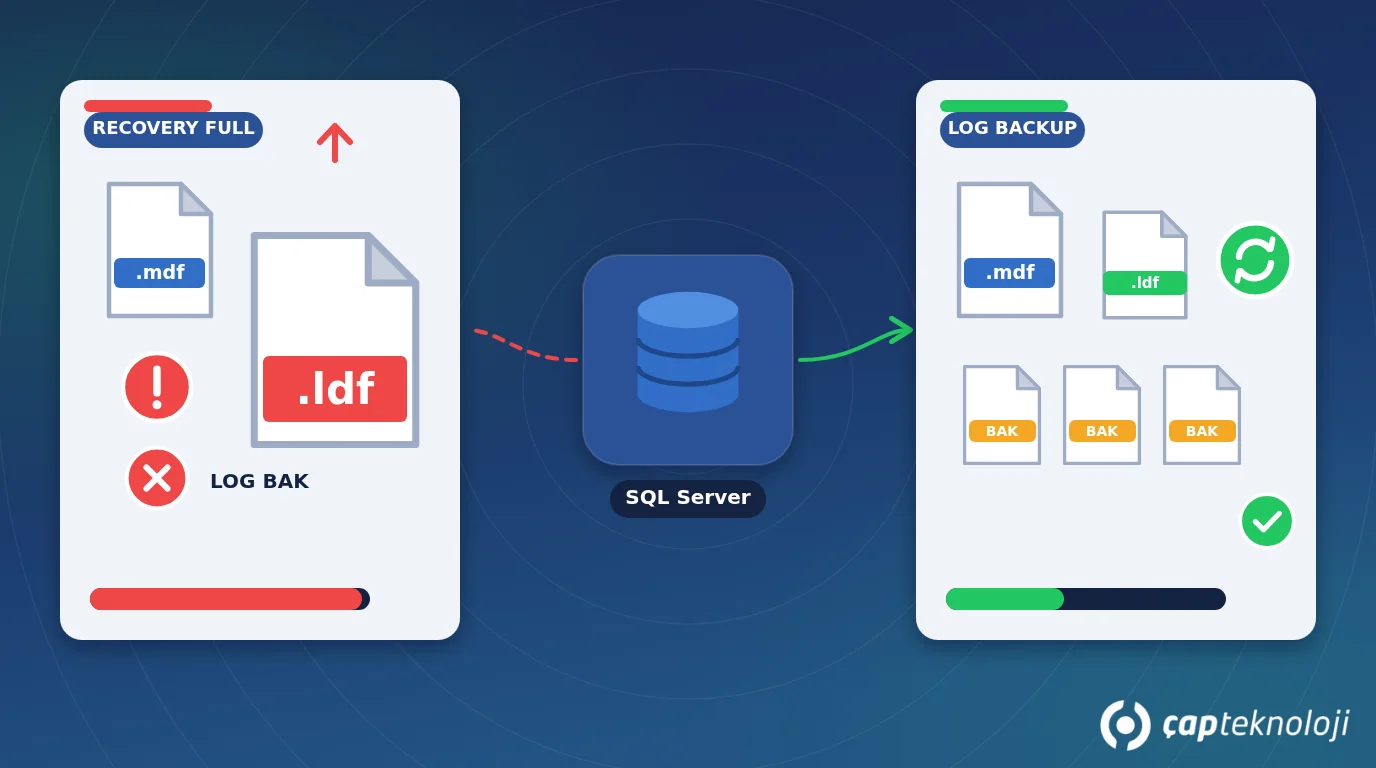
In short: In SQL Server, the log file (.ldf) records every change made to a database, and its space can only be reused once certain conditions are met. If a database is in the full recovery model without regular log backups, if a long-running transaction is left open, or if a feature such as replication is holding the log, the file keeps growing. The fix is not to shrink it now and then, but to find what is blocking reuse and remove that cause for good.
It’s a familiar morning in many small businesses: Logo won’t open, invoices can’t be issued, and SQL Server reports that the transaction log is full. On the server you find a 20 GB database sitting next to a 180 GB log file on a completely full disk. Someone usually runs a shrink command found online, the problem disappears for a few weeks, and then it comes back. (Logo is the ERP suite widely used by Turkish SMEs and runs on SQL Server.) This guide explains why the log grows, how to find the cause, and how to set up a lasting routine.
Contents
- What is the SQL Server log file?
- Why does the log file grow?
- Managing the log file in 6 steps
- Shrinking, data loss and security risks
- Summary and checklist
- Frequently Asked Questions
What is the SQL Server log file (transaction log)?
Every SQL Server database has at least two files: the data file (.mdf) and the transaction log (.ldf). When an invoice is saved, stock is updated or a record is deleted, the change is written to the log first. If the server shuts down unexpectedly, SQL Server reads the log on startup, keeps completed transactions and rolls back unfinished ones. That’s what keeps the database consistent.
Internally, the log is split into virtual log files (VLFs) and works like a ring. Writes move forward in sequence. Parts that are no longer needed are truncated and can be reused. When truncation can’t happen, SQL Server grows the file to make room. So a growing log is not an error in itself. It’s a symptom that something is blocking log reuse.
Recovery models
The database’s recovery model decides when the log can be truncated:
| Recovery model | When is log space reused? | Point-in-time restore | Typical use |
|---|---|---|---|
| Simple | Automatically after a checkpoint | No, only to the last full or differential backup | Test databases, systems where losing a day of data is acceptable |
| Full | Only after a log backup | Yes, to any minute covered by log backups | ERP databases such as Logo with heavy daily data entry |
| Bulk-logged | After a log backup | Limited | Temporary use during large bulk loads |
The key point: A database set to full recovery without any log backups will grow its log until the disk is full. That’s the cause behind most of the cases we see.
Why does the SQL Server log file grow?
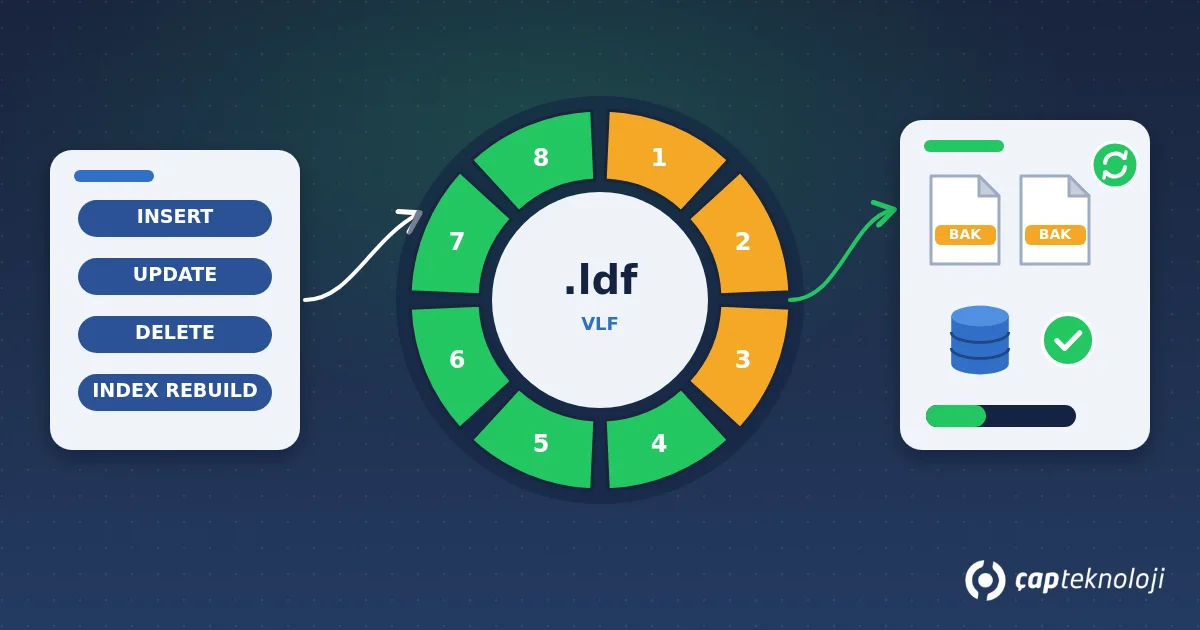
SQL Server tells you why the log can’t be truncated. The log_reuse_wait_desc column in sys.databases shows the reason for each database:
SELECT name, recovery_model_desc, log_reuse_wait_desc
FROM sys.databases;
The most common values:
- LOG_BACKUP: The database is in full recovery and waiting for a log backup. The fix is to take regular log backups.
- ACTIVE_TRANSACTION: A long-running or forgotten transaction is open. A large overnight import, an uncommitted query window or a faulty integration can cause this.
- REPLICATION or AVAILABILITY_REPLICA: Replication or a high-availability setup hasn’t yet sent the log records to the other side.
- NOTHING: Nothing is blocking reuse right now. The file may have grown once in the past and simply stayed that size.
Year-end rollovers, large deletes or bulk updates, and maintenance such as index rebuilds also generate a lot of log in a short time. Growth in these cases is normal. What matters is whether growth is uncontrolled and constant.
How to manage the log file in 6 steps
1. Measure where you are
Note each database’s recovery model, log file size and how much of the log is in use. DBCC SQLPERF(LOGSPACE) returns log size and percentage used for all databases in one table. Add the remaining free disk space.
2. Find the wait reason
Run the log_reuse_wait_desc query above. Your next steps depend on the answer. Any change made before you know the cause only postpones the problem.
3. Choose the recovery model deliberately
Ask yourself: After a failure, is going back to last night’s backup acceptable? If re-entering a day’s invoices, delivery notes and vouchers isn’t realistic, keep the database in full recovery and back up the log. If it is acceptable, the simple model needs less maintenance. IT and the business should make this decision together.
4. Schedule regular log backups
In full recovery, schedule log backups with a SQL Server Agent job or your backup software. Set the interval according to how much data loss you can tolerate; every 15 to 30 minutes during business hours is a reasonable starting point for many SMEs. Our SQL Server backup guide explains how to build the backup chain. Store log backups on a different disk from the data, with a copy off the server.
5. Resize the file once
Once the cause is fixed and a log backup has run, shrink the oversized file once with DBCC SHRINKFILE to a sensible size. The target should comfortably hold the log generated between two log backups on your busiest day, such as month-end closing. Then set autogrowth to a fixed amount (for example a few hundred MB to a few GB) instead of a percentage. A file that grows in tiny steps causes waits and too many VLFs.
6. Set up monitoring and alerts
Create alerts for log space used, free disk space and the time of the last successful log backup. SQL Server Agent alerts or your existing monitoring tool will do. You want to know when a threshold is crossed, not when the disk is already full. Keeping log and data files on the same slow disk also hurts performance; we cover that in our checklist for a slow Logo database.
Shrinking, data loss and security risks
- Routine shrinking is not a fix: Shrinking the log every night with a scheduled job means it grows again the next day, and transactions wait while it does. Keep AUTO_SHRINK off as well.
- Switching to simple and back breaks the chain: Emptying the log by switching to simple and then back to full breaks the log backup chain. Point-in-time restore isn’t possible until a new full or differential backup is taken.
- Deleting the log file can lose data: Manually deleting the .ldf or attaching a database without its log puts unfinished transactions and consistency at risk. Treat this as a last resort under expert supervision.
- Log backups contain personal data: Log backups carry changes to customer and employee records. The access restrictions, encryption and retention rules you apply to the database under KVKK (Turkey’s Personal Data Protection Law, similar to the GDPR) should apply to log backups too.
- A full disk is an outage scenario: When the log is full, the database stops accepting writes. How to handle this belongs in your disaster recovery and business continuity plan.
Summary and checklist
- Is each database’s recovery model known and chosen based on business needs?
- Are databases in full recovery getting regular log backups?
- Is
log_reuse_wait_descchecked regularly? - Is the log sized for the busiest period, with fixed-size autogrowth?
- Are scheduled shrink jobs and AUTO_SHRINK turned off?
- Are there alerts for log usage, disk space and the last log backup?
- Are log backups on a separate disk, copied off the server, with restricted access?
Once log management is set up correctly, it runs on its own and “disk full” mornings become a thing of the past. At ÇAP Teknoloji, we can review recovery models, backup chains, file sizes and monitoring for your Logo and other business databases as part of our SQL consulting.
Frequently Asked Questions
Does shrinking the log file harm the database?
A one-off shrink after the cause has been fixed is usually fine. The harm comes from routine shrinking: as the file keeps growing and shrinking, performance drops and fragmentation increases.
Which recovery model should a Logo database use?
There’s no single right answer. If losing a day’s data entry is unacceptable, use full recovery with regular log backups. If it is acceptable, simple may be enough. Base the decision on how much data loss the business can tolerate.
Can log backups replace full backups?
No. Log backups are part of a chain that starts with a full backup. To restore, you load the full backup, then any differential backup, then the log backups in order.
How big should the log file be?
There’s no fixed ratio. It should hold the log generated between two log backups on your busiest day plus what maintenance jobs need. Monitoring for a few weeks shows the real requirement.